 Smart Home Forge
Best Smart Home Devices for Beginners (2026)
Six smart home devices worth buying first — one pick per category, chosen specifically for beginners who want reliability over features.
Most “best smart home devices” lists throw 20 products at you with no sense of priority. That is not helpful when you are spending your first $100-300 on a smart home and need every purchase to count.
This guide picks one device per category — the single best option for someone who has never set up a smart home before. Every pick was chosen for ease of setup, reliability, and value. Not the most features. Not the most advanced. The one you will actually be able to set up, use daily, and not regret buying.
If you have not picked an ecosystem yet (Alexa, Google, or Apple), read our ecosystem comparison first. That choice affects which devices work best together. If you already know your ecosystem, keep reading.
Quick Comparison
| Category | Our Pick | Price Range | Setup Difficulty | Works With |
|---|---|---|---|---|
| Speaker | Amazon Echo Dot (5th Gen) | $25-50 | Easy | Alexa |
| Bulb | TP-Link Tapo L530E | $10-15 | Easy | Alexa, Google, Apple |
| Plug | TP-Link Kasa Smart Plug (KP125M) | $12-18 | Easy | Alexa, Google |
| Lock | August Wi-Fi Smart Lock (4th Gen) | $170-230 | Moderate | Alexa, Google, Apple |
| Camera | TP-Link Tapo C120 | $30-40 | Easy | Alexa, Google |
| Thermostat | Amazon Smart Thermostat | $60-80 | Moderate | Alexa |
What Makes a Device “Beginner-Friendly”
Before diving into picks, here is what we evaluated. Beginner-friendly does not just mean cheap. It means:
- Setup takes under 15 minutes with a single app — no command line, no firmware flashing, no hub required
- It works reliably on Wi-Fi without dropping offline or needing constant troubleshooting
- The app is straightforward — you should not need a tutorial to turn a light on
- It plays well with major ecosystems — at minimum Alexa or Google Home, ideally both
- It solves a real daily problem — not a novelty that loses its appeal after a week
Best Smart Speaker: Amazon Echo Dot (5th Gen)
Amazon Echo Dot (5th Gen)
The cheapest way to add voice control to your home, and the foundation everything else connects to.
- Widest device compatibility of any ecosystem
- Setup in 5 minutes — plug in, open app, done
- Built-in temperature sensor and eero mesh extender
- Routines chain actions across all your devices
- Locks you into Alexa ecosystem
- Bass is limited for music
The Echo Dot is the starting point for most smart homes, and for good reason. It costs $25-50 (frequently under $25 during sales), sets up in five minutes through the Alexa app, and immediately gives you voice control over any Alexa-compatible device you add later. It includes a built-in temperature sensor and an eero mesh Wi-Fi extender, which are useful bonuses at no extra cost.
It doubles as a decent bedside speaker, alarm clock, and kitchen timer. Routines let you chain actions — “Good morning” turns on lights, reads weather, and starts the coffee maker.
Watch out: The Echo Dot locks you into Amazon’s Alexa ecosystem. That is fine for most people, but if your household is all-in on Apple devices, a HomePod Mini might make more sense. Read our ecosystem comparison guide to decide.
Skip for now: The Echo Show (screen version). It is useful, but a screen is not necessary for your first smart home device. Add one later when you have cameras or want video calling.
Best Smart Bulb: TP-Link Tapo L530E
TP-Link Tapo L530E
A reliable, inexpensive color bulb that works without a hub and connects to every major ecosystem.
- No hub required — direct Wi-Fi connection
- Full color and tunable white
- Works with Alexa, Google Home, and Apple Home
- Cheap enough to buy several and experiment
- Wi-Fi bulbs add load to your router
- Not ideal if you plan 20+ bulbs (consider Zigbee)
Smart lighting is where most people feel the daily impact of a smart home first. The Tapo L530E costs $10-15, screws into any standard socket, and connects directly to your Wi-Fi. No hub, no bridge, no extra hardware. The Tapo app walks you through setup in about three minutes.
Scheduling and dimming are built into the free app — no subscription needed. Set warm tones for evening and bright white for working.
Watch out: Wi-Fi bulbs add devices to your network. If you plan to eventually have 20+ bulbs, a hub-based system like Philips Hue (which uses Zigbee) handles scale better. But for your first 5-10 bulbs, Wi-Fi is simpler and cheaper.
Skip for now: Color-changing light strips. They look great in photos but most people use them for about two weeks and then forget about them. Start with bulbs in rooms you actually use. Our room-by-room planning guide covers which rooms benefit most from smart lighting.
Best Smart Plug: TP-Link Kasa Smart Plug (KP125M)
TP-Link Kasa Smart Plug (KP125M)
A compact plug with energy monitoring that turns any 'dumb' device into a smart one.
- Compact design — doesn't block the second outlet
- Built-in energy monitoring
- Rock-solid reliability
- Works with Alexa and Google Home
- No Apple Home support
- Only works with devices that have physical power switches
Smart plugs are the most underrated beginner device. For $12-18, you can make any device with a physical on/off switch into a smart device — lamps, fans, coffee makers, space heaters, holiday lights. The Kasa KP125M adds energy monitoring, so you can see exactly how much power each device uses.
Schedule-based and timer-based automations work through the free Kasa app. No subscription needed.
Watch out: Smart plugs only work with devices that have physical power switches. If a device turns on in standby mode when it gets power (most TVs, for example), a smart plug will not help — you still need to press the power button. Lamps, fans, and coffee makers with mechanical switches work perfectly.
Skip for now: Outdoor smart plugs. Useful eventually for holiday lights and patio setups, but indoor plugs cover the most common use cases first.
Best Smart Lock: August Wi-Fi Smart Lock (4th Gen)
August Wi-Fi Smart Lock (4th Gen)
A retrofit lock that fits over your existing deadbolt — no drilling, no replacing hardware, and renter-friendly.
- Installs over existing deadbolt in 10 minutes
- Renter-friendly — take it when you move
- Auto-lock and auto-unlock via phone GPS
- Works with Alexa, Google Home, and Apple Home
- Most expensive pick on this list
- Battery life 3–6 months (CR123A batteries)
A smart lock eliminates the daily fumble for keys and lets you give temporary access codes to guests, cleaners, or dog walkers. The August Wi-Fi Smart Lock installs over your existing deadbolt in about 10 minutes. You keep your original keys as a backup, and from the outside, nobody can tell it is a smart lock. Built-in Wi-Fi means no separate bridge needed for remote access.
Watch out: At $170-230, this is the most expensive pick on the list. It is worth it if you use your front door daily (which you do), but it is not the first device to buy. Get your speaker and a couple of plugs or bulbs working first, then add the lock.
Skip for now: Keypad-based locks like the Schlage Encode. They offer PIN code entry, which is convenient, but they require replacing your entire deadbolt. For a beginner, the August retrofit approach is lower-risk and easier to reverse.
Best Smart Camera: TP-Link Tapo C120
TP-Link Tapo C120
An affordable indoor/outdoor camera with local storage, so you are not forced into a monthly subscription.
- Local storage via microSD — no subscription needed
- 2K resolution with color night vision
- IP66 weatherproof — works indoors or outdoors
- Two-way audio and works with Alexa and Google
- No cloud backup without subscription
- Footage lost if camera is stolen
Most smart cameras push you toward a cloud subscription for video history. The Tapo C120 includes a microSD card slot for local storage, so you get motion-triggered recording without paying $3-10 per month. It works indoors or outdoors (IP66 weatherproof), shoots in 2K resolution, and has color night vision.
Watch out: Without a subscription, you lose cloud backup — if someone steals the camera, the footage on the microSD card goes with it. For critical security, consider a cloud plan as a backup. Also, camera placement matters: mount it where it covers entry points, not pointed at a wall.
Skip for now: Multi-camera systems and NVR setups. One well-placed camera covering your main entry point is enough to start. Add more cameras later once you know your actual coverage gaps.
Best Smart Thermostat: Amazon Smart Thermostat
Amazon Smart Thermostat
The cheapest smart thermostat worth buying, with Alexa integration and energy-saving routines built in.
- Most affordable smart thermostat from a major brand
- Energy Star certified with scheduling and geofencing
- Alexa learns your patterns via Hunches
- C-wire adapter included in the box
- Alexa only — no Google Home or Apple Home
- Installation requires basic wiring
Heating and cooling account for roughly half of your home energy bill. A smart thermostat pays for itself by learning your schedule and avoiding waste. The Amazon Smart Thermostat costs $60-80 — roughly a third of what a Nest or Ecobee costs — and handles the basics well.
Watch out: Installation requires basic wiring work. If you have a C-wire (common wire), installation takes about 20 minutes with a screwdriver. If you do not, you may need a C-wire adapter (included in the box). If wiring makes you uncomfortable, budget an extra $50-100 for professional installation. Also, this thermostat only works with Alexa — not Google Home or Apple Home.
Skip for now: Premium thermostats like the Ecobee or Nest Learning Thermostat. They offer room sensors and better learning algorithms, but at 2-3x the price. The Amazon thermostat handles the core job — schedule-based temperature control and energy savings — at a fraction of the cost.
What to Buy First
You do not need all six devices at once. Here is the order that gives you the most value, fastest:
Step 1 (Under $50): Amazon Echo Dot (5th Gen) + one TP-Link Kasa Smart Plug. This gives you voice control and your first automation (scheduling a lamp, fan, or coffee maker). You will feel the convenience immediately.
Step 2 (Add $20-30): Two or three TP-Link Tapo L530E bulbs. Put them in the rooms you use most — living room and bedroom are the best starting points. Set up schedules for morning and evening.
Step 3 (Add $170-230): August Wi-Fi Smart Lock. This is the biggest quality-of-life upgrade. Keyless entry, auto-lock, and guest access change how you interact with your home daily.
Step 4 (Add $30-40): TP-Link Tapo C120 camera. Place it covering your front door or main entry point. Enable motion alerts.
Step 5 (Add $60-80): Amazon Smart Thermostat. This is the device that saves you actual money over time. Install it when you are ready for a slightly more involved setup.
Total for all six categories: roughly $300-430 depending on sales. But steps 1 and 2 alone ($50-80) are enough to build a functional smart home that you will use every day.
The goal is not to fill your house with gadgets. It is to solve specific daily annoyances — one device at a time — until your home works a little better than it did before.
Frequently Asked Questions
What is the best first smart home device to buy?
Do I need a hub to start a smart home?
Can I mix devices from different brands?
How much does a basic smart home setup cost?
Recommended Posts
Alexa vs Google Home vs Apple Home: Choosing Your Smart Home Ecosystem
A practical comparison of the three major smart home platforms — what each does best, where they fall short, and how to pick the right one.
Smart Home Devices Explained: What Each Category Does
A quick overview of every major smart home device category — what it does, who it's for, and what to watch out for before buying.
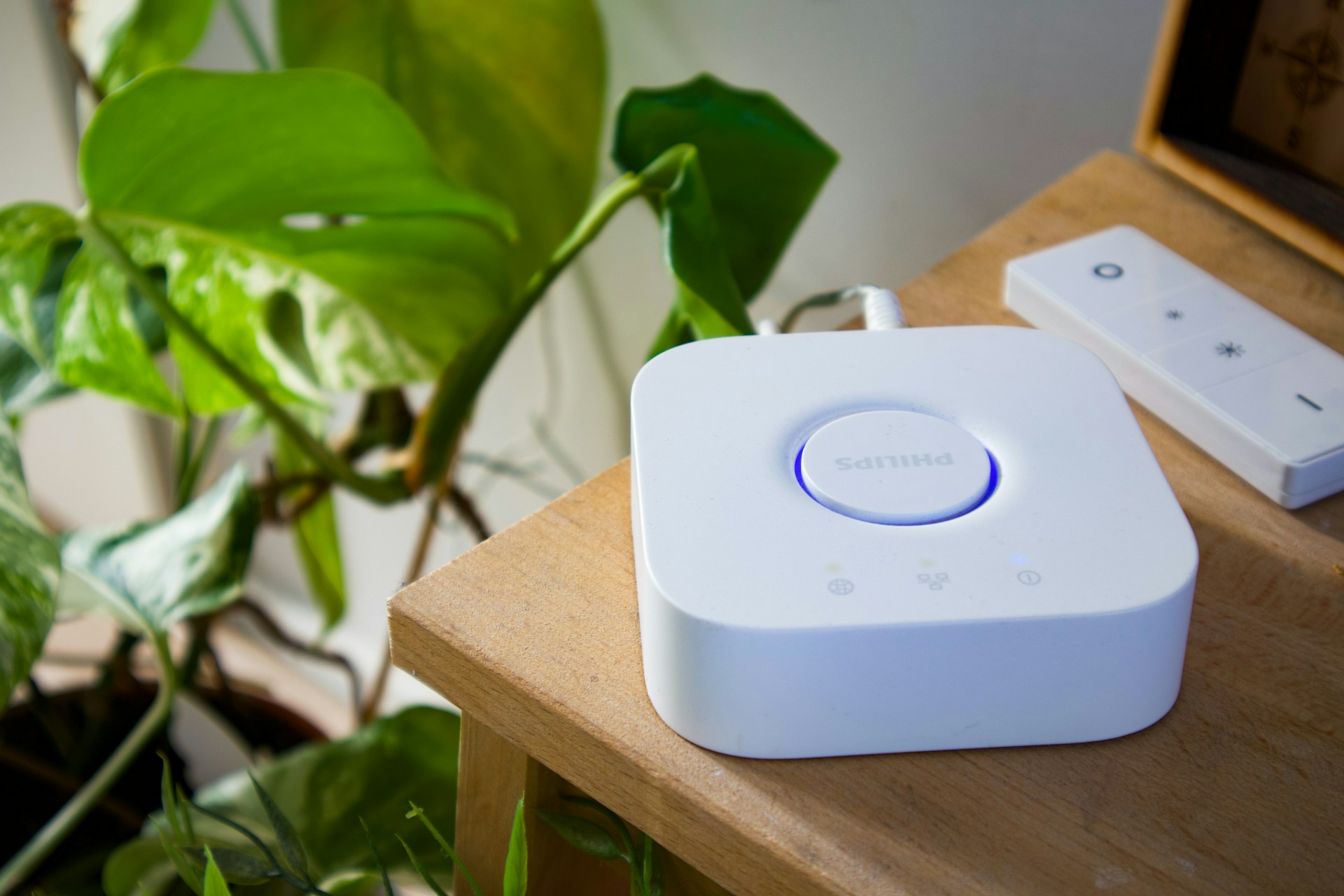
Do You Need a Smart Home Hub? When to Use One and When to Skip It
Find out whether you need a smart home hub in 2026, when Wi-Fi or Matter is enough, and when Zigbee, Z-Wave, Thread, or local automations require extra hardware.