 Smart Home Forge
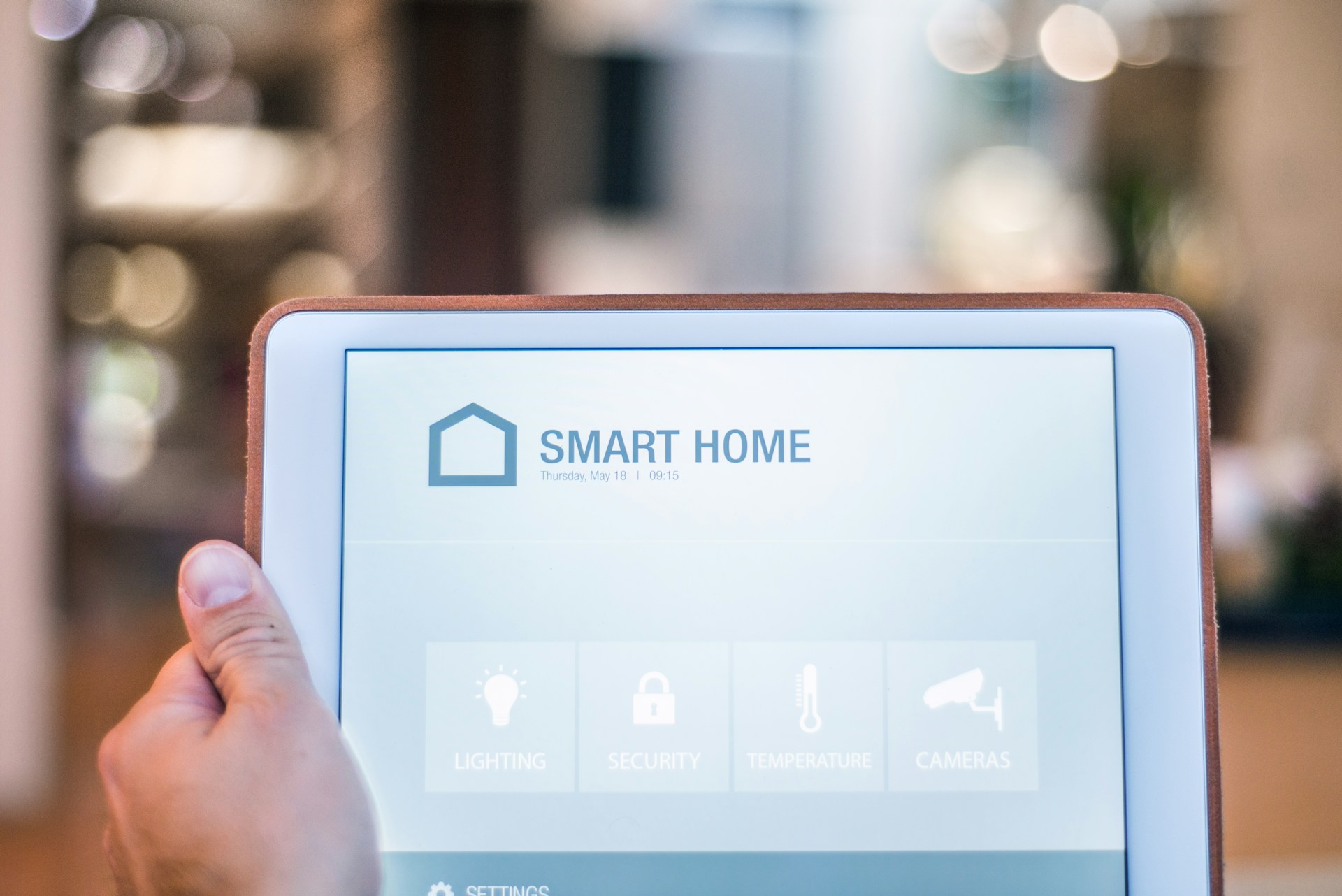
Smart Home Devices Explained: What Each Category Does
A quick overview of every major smart home device category — what it does, who it's for, and what to watch out for before buying.
You don’t need every type of smart home device. Most people start with one or two categories and expand over time. This guide covers what each category does, who benefits most, and the key things to check before buying.
Smart Speakers and Displays
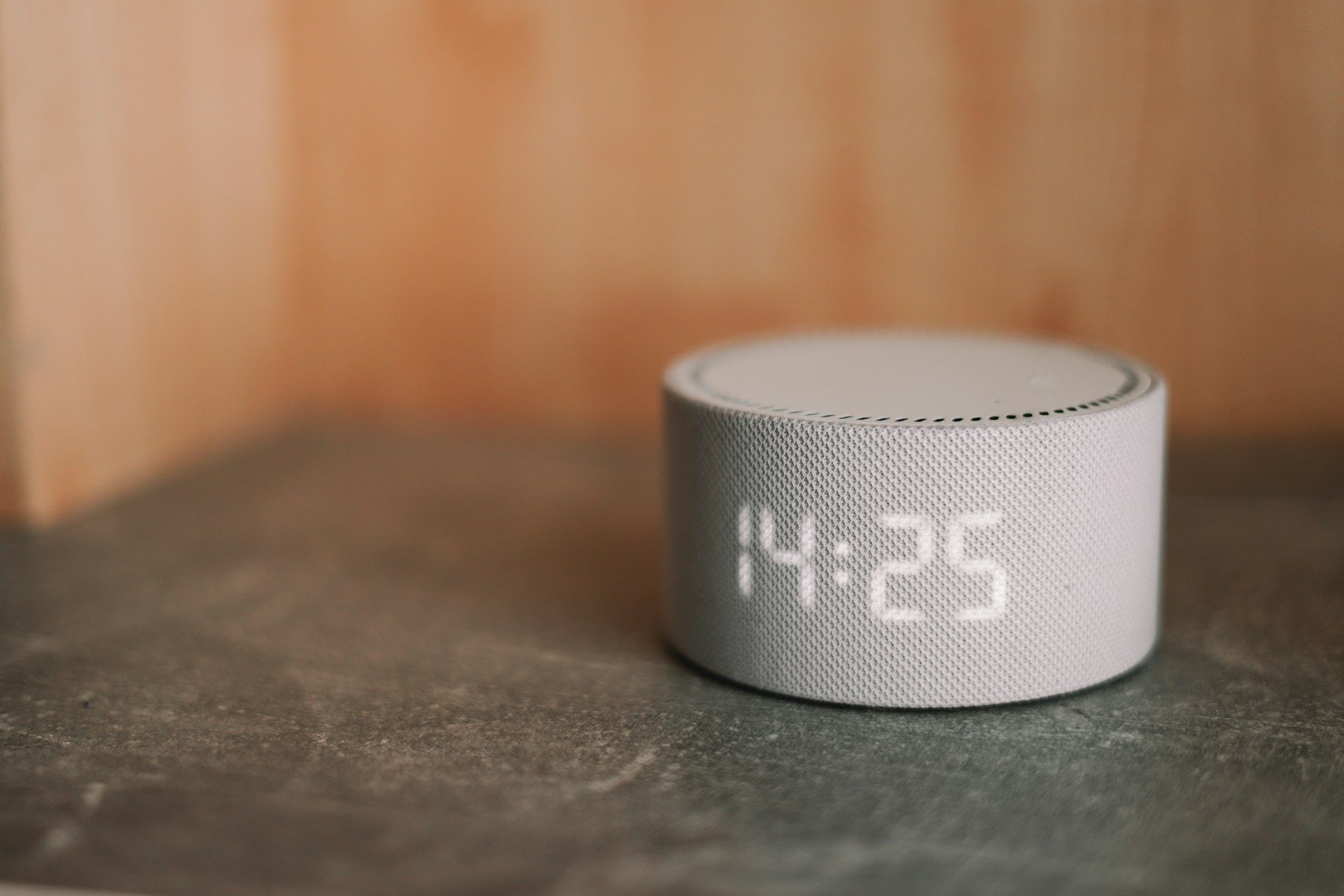 Your voice-command hub. Smart speakers play music, set timers, and answer questions — but their real job is controlling your other smart devices by voice.
- Amazon Echo Dot (Alexa) — Largest device compatibility
- Google Nest (Google Assistant) — Strongest Google services integration
- Apple HomePod (Siri) — Best privacy, seamless for Apple households
Who should start here: Almost everyone. A smart speaker is the cheapest and most versatile entry point. If you already own one, you already have a controller.
What to know: Your speaker choice largely determines your ecosystem. An Echo works best with Alexa devices, a Nest with Google Home, a HomePod with Apple Home. Matter is narrowing this gap, but it still matters in practice.
Smart Lighting
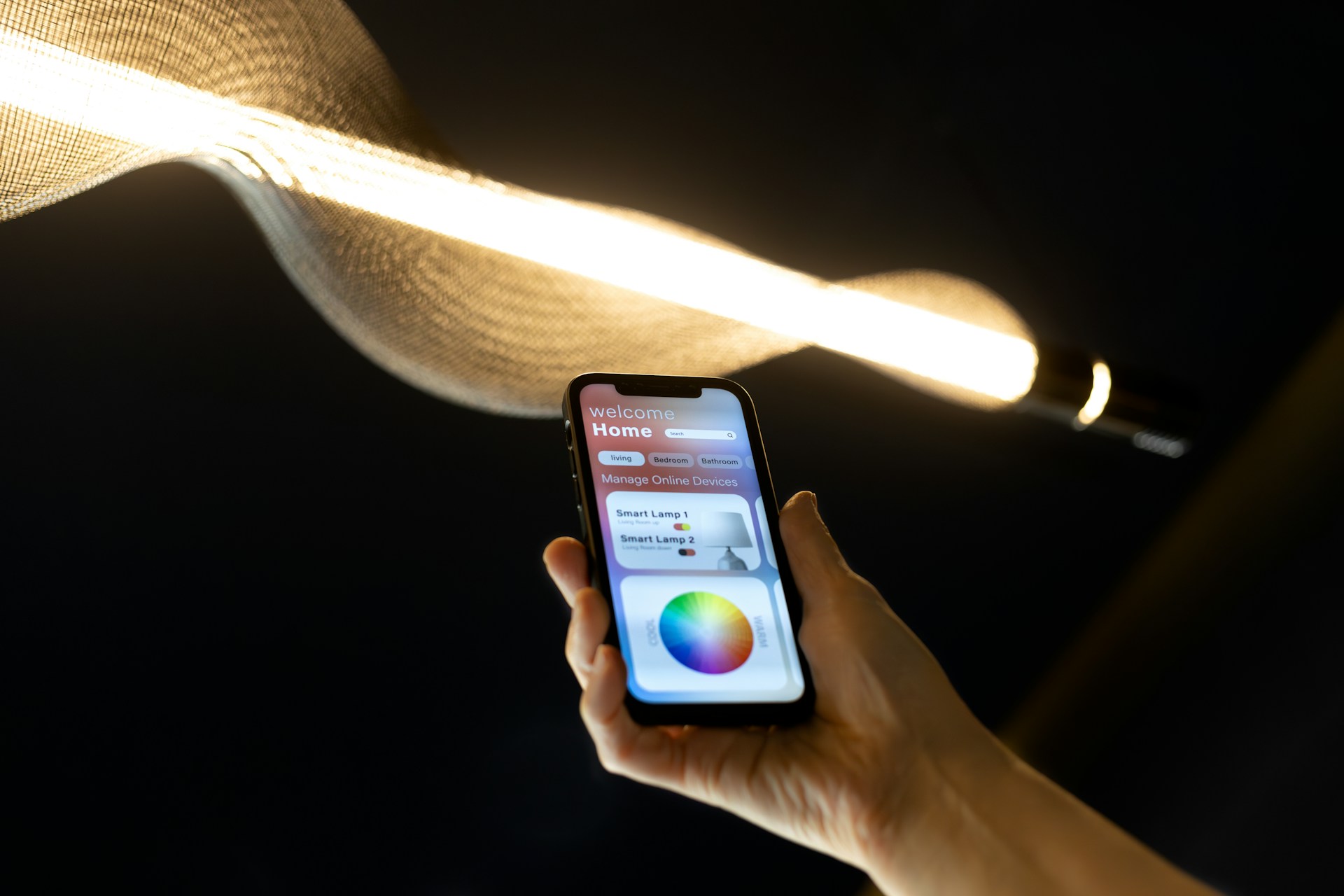 The most visible and immediately satisfying upgrade. You notice it every day.
- Smart bulbs — Screw in, connect via app. Easiest install, no wiring.
- Smart switches — Replace your wall switch. More permanent, but anyone can still use the physical switch.
- Smart plugs — Plug a lamp into a TP-Link Kasa Smart Plug and control it remotely. Zero commitment.
- Light strips — Accent lighting behind TVs, shelves, and desks.
What to know: Some smart switches require a neutral wire in the junction box, which older homes may not have. Always check compatibility before buying.
Smart Thermostats
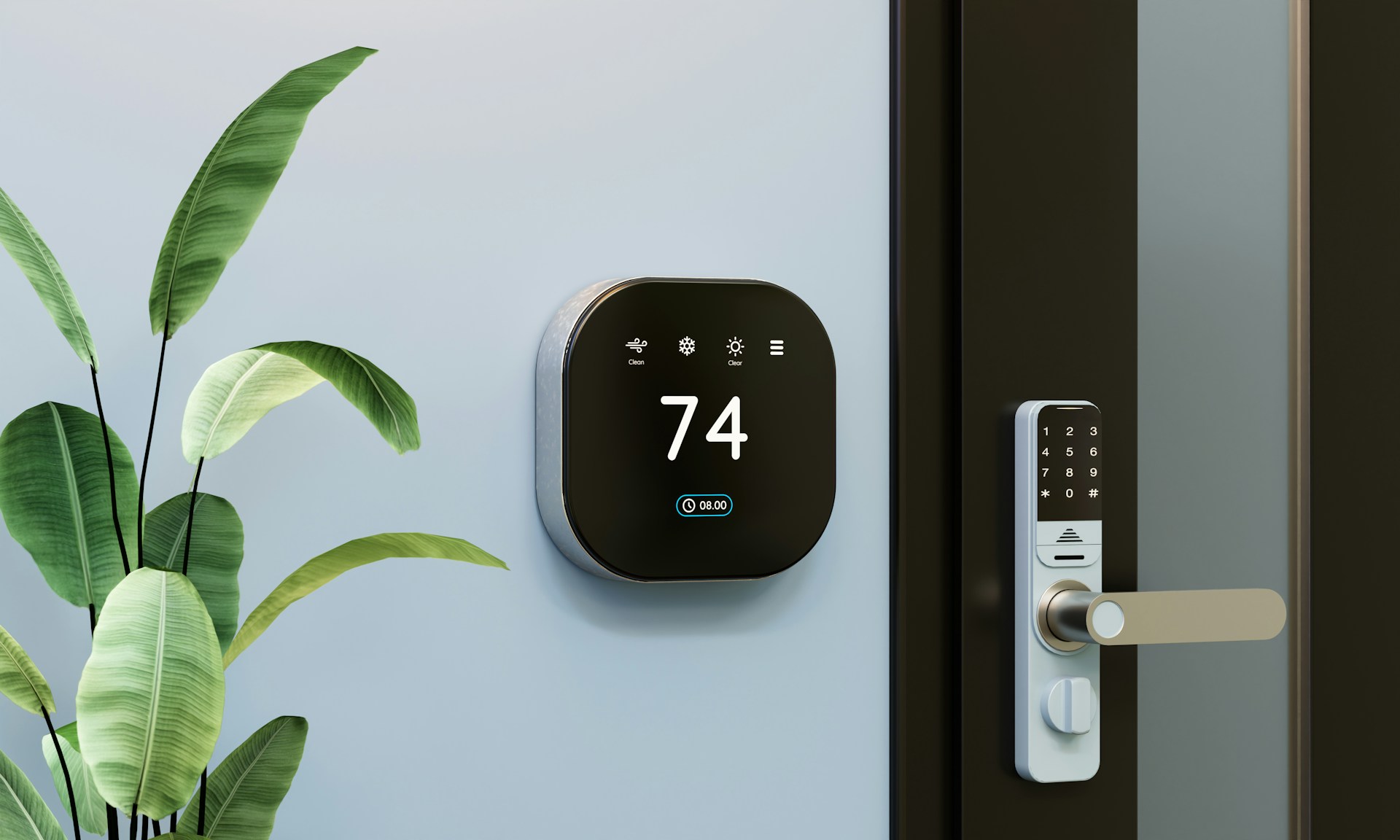 Replace your manual thermostat with one you can control remotely, schedule, and in some cases let learn your preferences over time.
- Google Nest Thermostat — Learns your schedule, clean design
- Ecobee — Includes room sensors for multi-room comfort
- Amazon Smart Thermostat — Budget-friendly Alexa integration
Who benefits most: Homeowners with central HVAC. A smart thermostat can pay for itself through energy savings within a year or two.
What to know: Compatibility depends on your HVAC system. Most work with standard forced-air, but not all support heat pumps or multi-zone setups. Some models require a C-wire (common wire) for power — many include an adapter if yours is missing.
Smart Locks and Doorbells
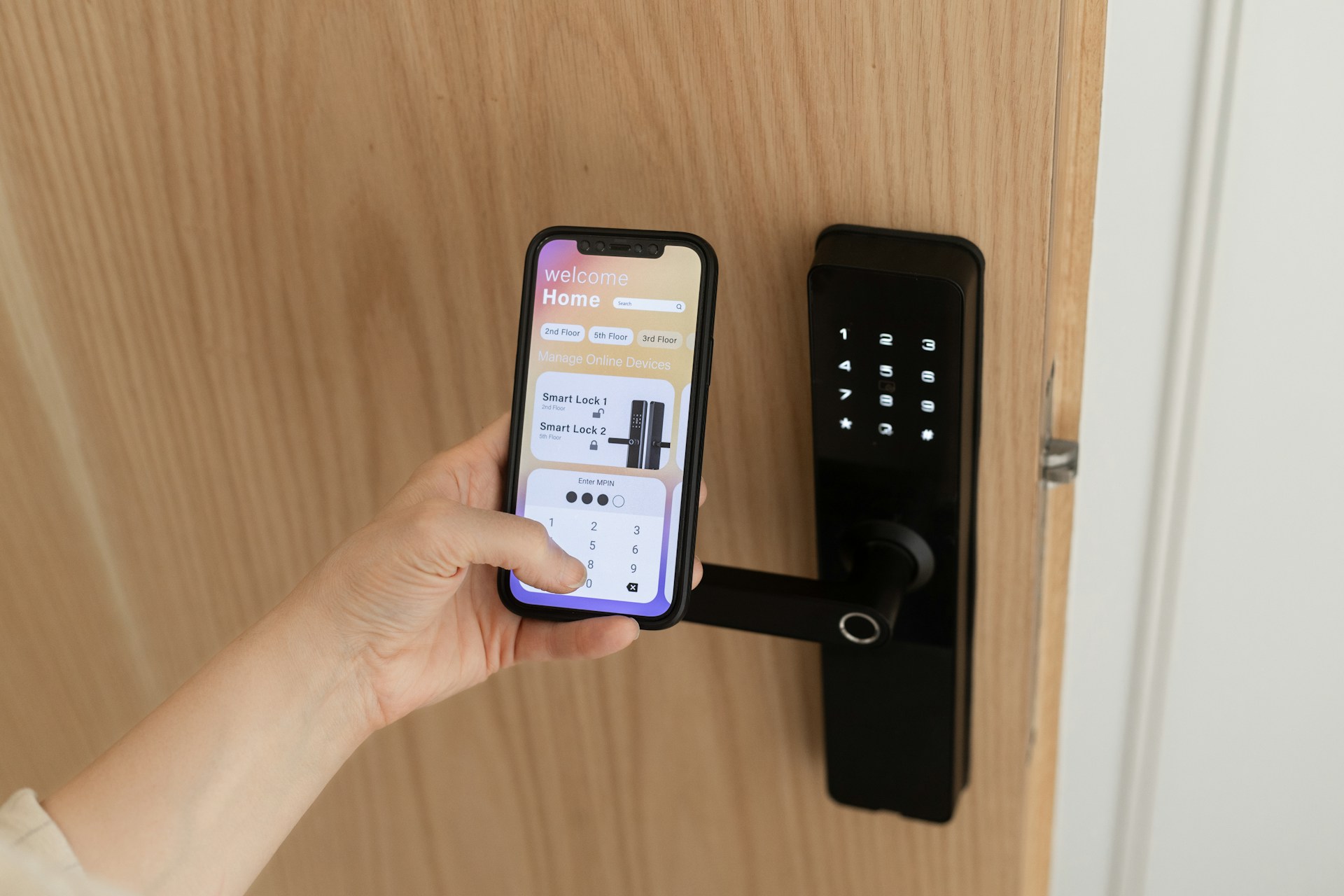 Lock and unlock your door remotely, grant temporary access codes, and see who’s at your door from your phone.
- Smart locks — August, Schlage Encode, Yale Assure
- Video doorbells — Ring, Google Nest Doorbell, Arlo
Who benefits most: Families juggling schedules, frequent hosts, anyone tired of carrying keys, renters wanting added security.
What to know: Many smart locks are retrofit-friendly — they attach to your existing deadbolt. Video doorbells come battery-powered (easier install) or wired (more reliable, no recharging). Cloud-based doorbells typically require a subscription for video history — check what’s free vs. paid.
Smart Cameras and Security Sensors
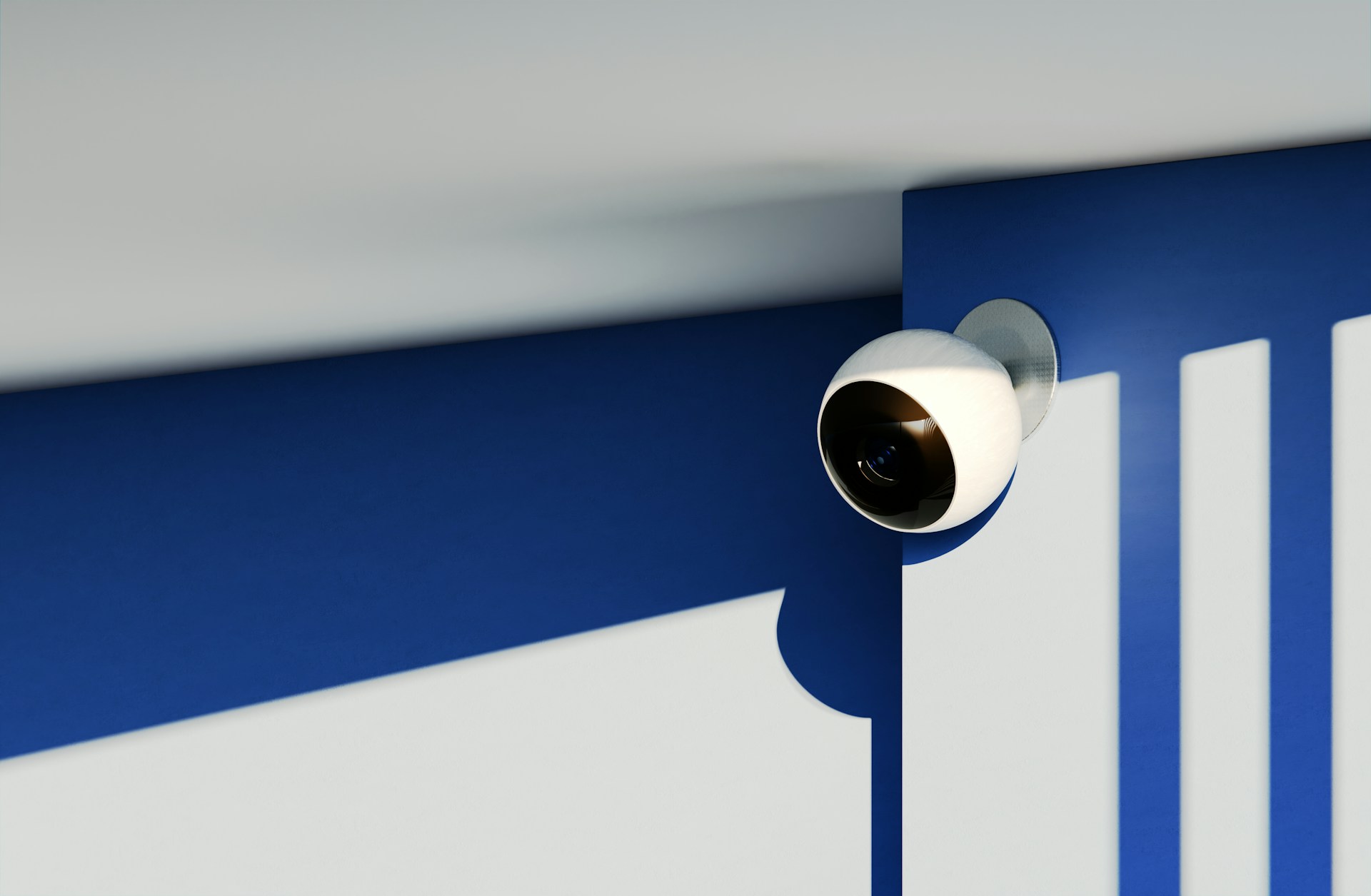 Indoor cameras, outdoor cameras, door/window contact sensors, motion sensors, water leak detectors, and smoke/CO listeners.
Privacy note: Cameras and microphones in your home are a meaningful privacy decision. Consider where you place indoor cameras, whether footage is stored locally or in the cloud, and whether the manufacturer has a solid track record. Brands like Eufy and Reolink offer local storage options.
Subscription note: Many camera systems offer free live viewing but charge monthly for cloud recording, person detection, or extended history. Factor this into your budget — a $50 camera with a $10/month plan costs $170/year.
Robot Vacuums
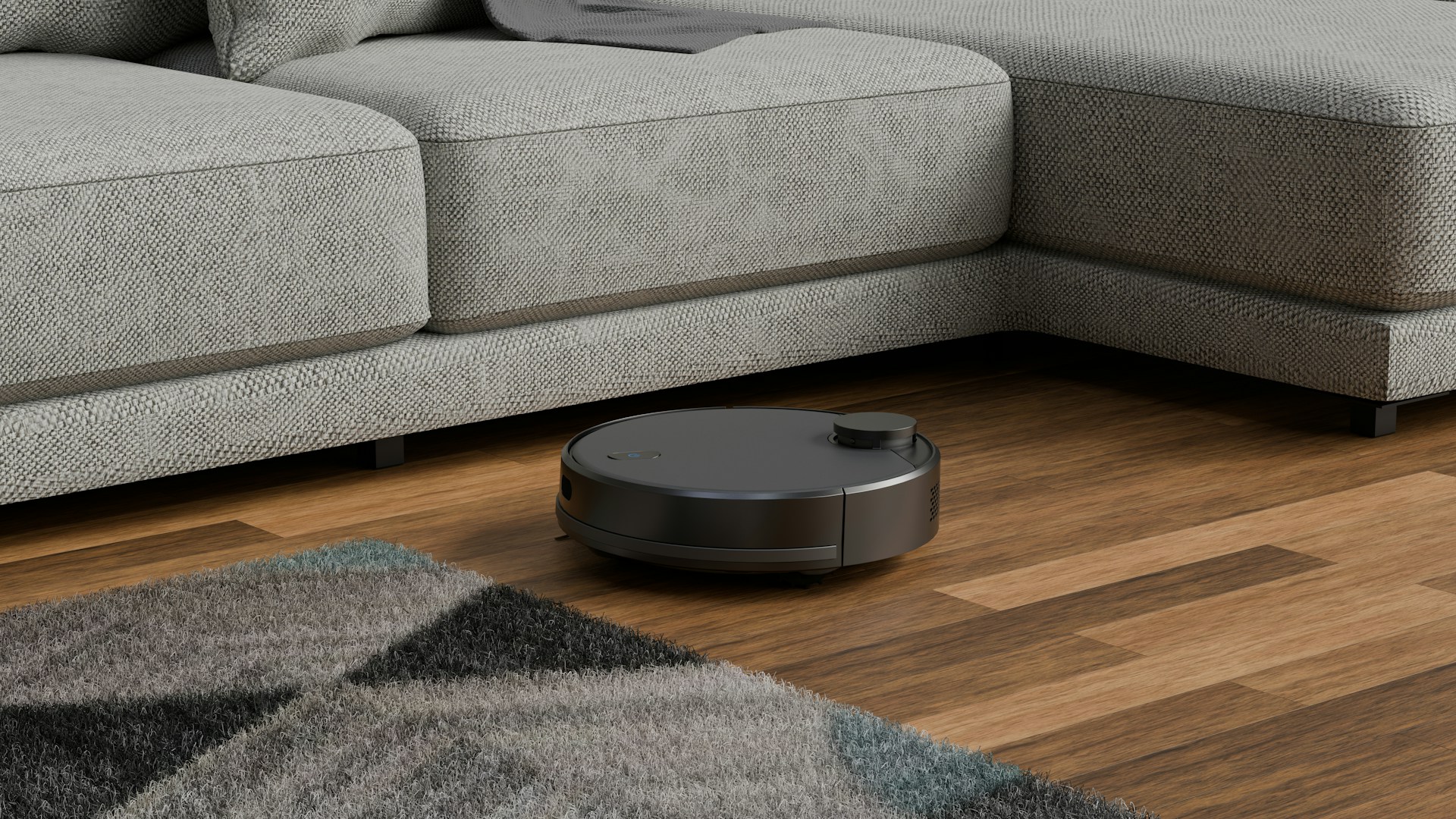 Vacuum (and sometimes mop) your floors autonomously on schedules or on demand.
- Key brands — iRobot Roomba, Roborock, Ecovacs Deevas, Dreame
- Best on — Hard floors and low-pile carpet
- LiDAR navigation — More efficient, less likely to get stuck than camera-only models
What to know: If you have pets, look for strong suction and a self-emptying dock to reduce maintenance.
Smart Plugs
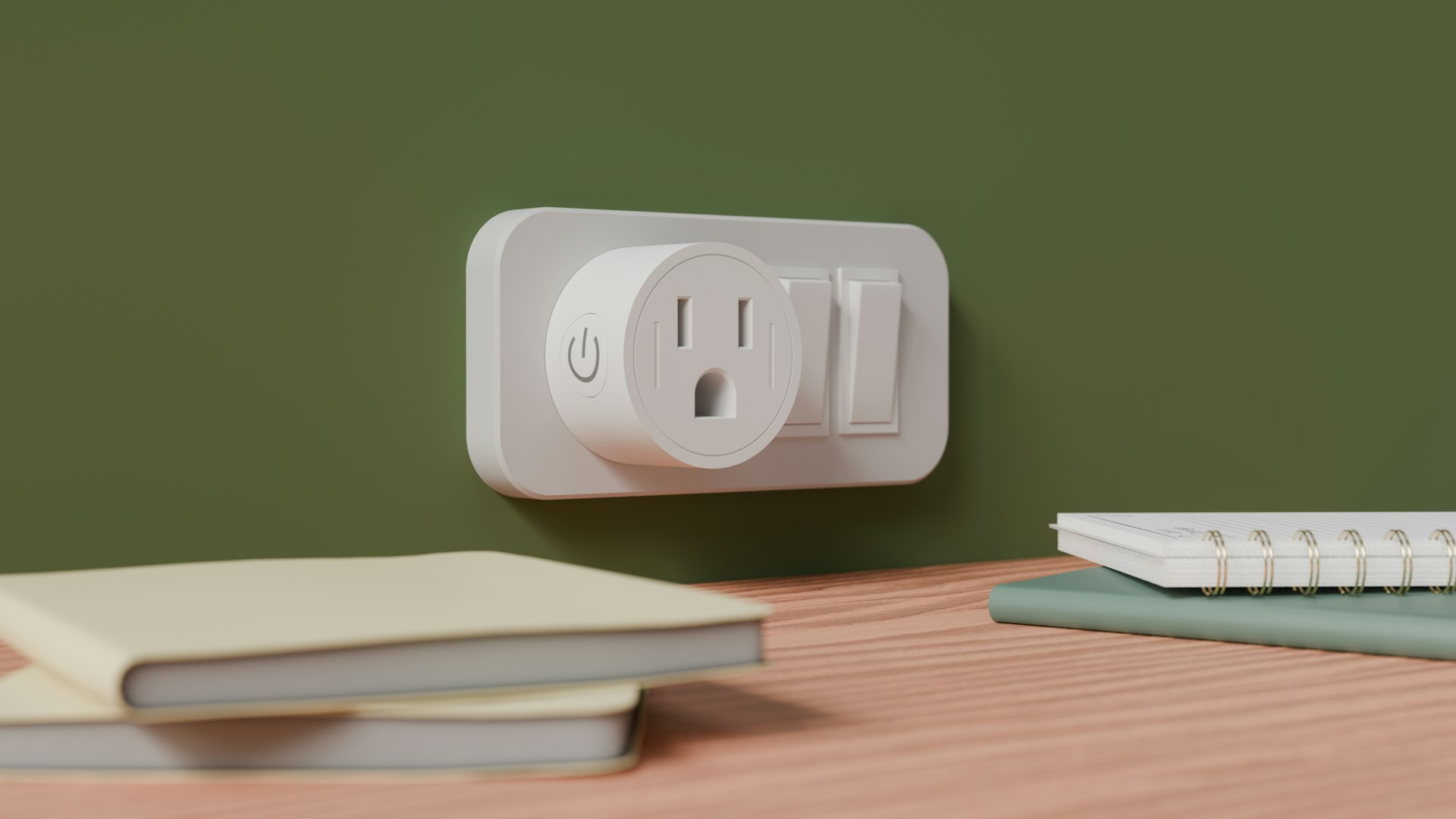 Turn any “dumb” device — lamp, fan, coffee maker — into a smart device by controlling the outlet remotely or on a schedule.
- Cost — $10–$25 per plug
- Installation — None. Plug in and go.
- Compatibility — Nearly every ecosystem
What to know: Some plugs include energy monitoring for tracking power draw. If that matters to you, confirm the plug explicitly supports it — not all do.
Frequently Asked Questions
What is the best smart home device to start with?
Do smart cameras require a subscription?
Do smart light switches need a neutral wire?
Recommended Posts
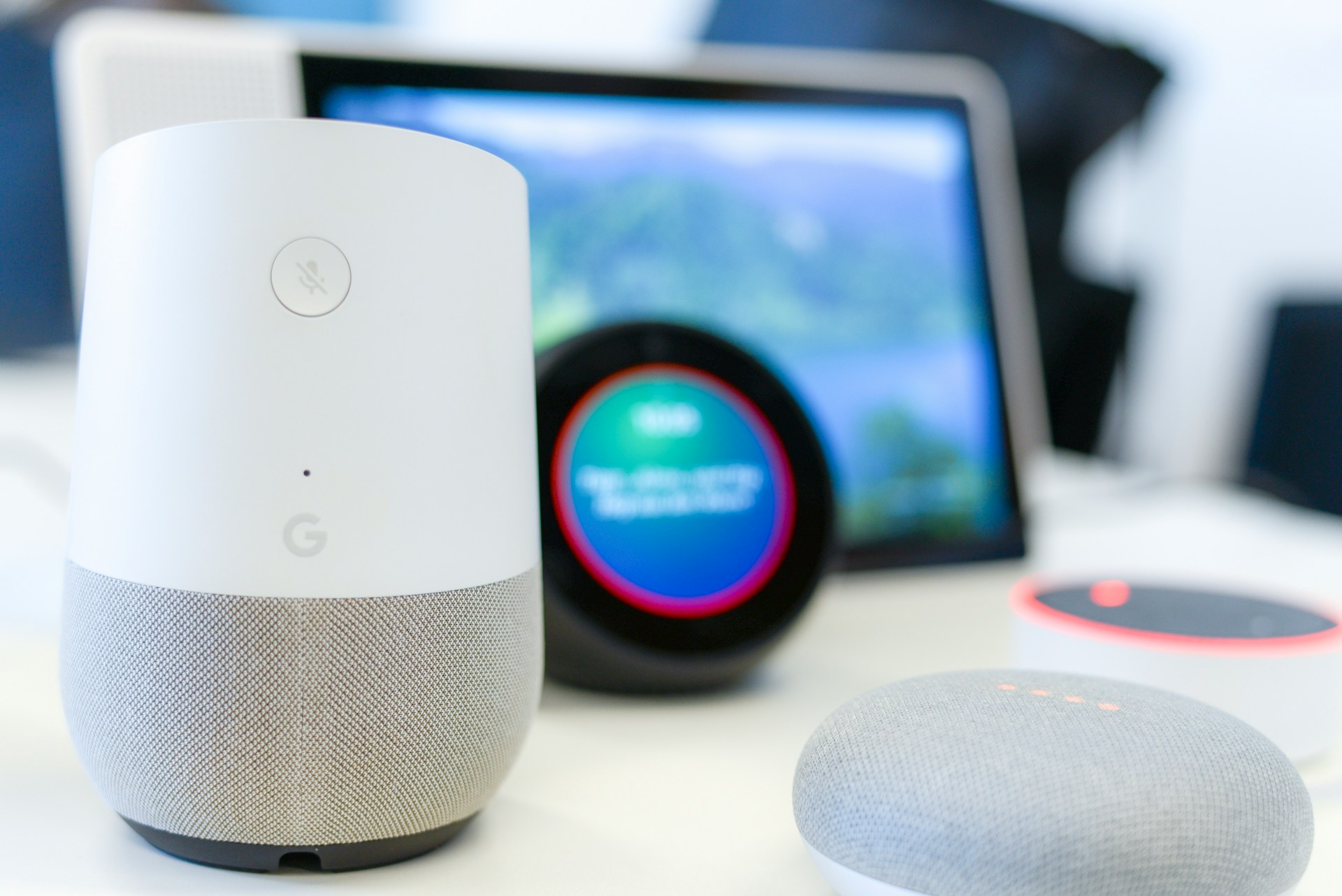
Best Smart Home Devices for Beginners (2026)
Six smart home devices worth buying first — one pick per category, chosen specifically for beginners who want reliability over features.
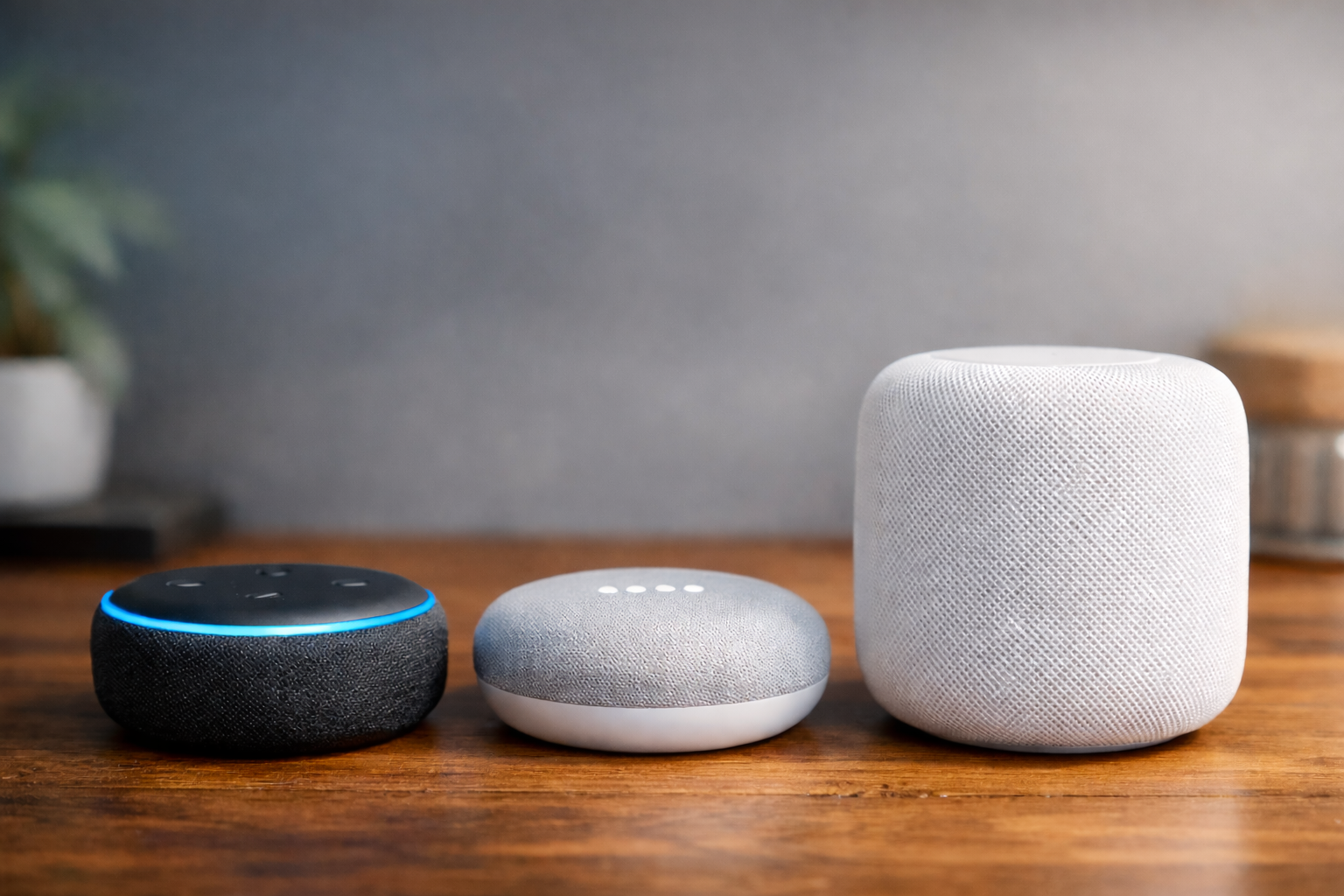
Alexa vs Google Home vs Apple Home: Choosing Your Smart Home Ecosystem
A practical comparison of the three major smart home platforms — what each does best, where they fall short, and how to pick the right one.
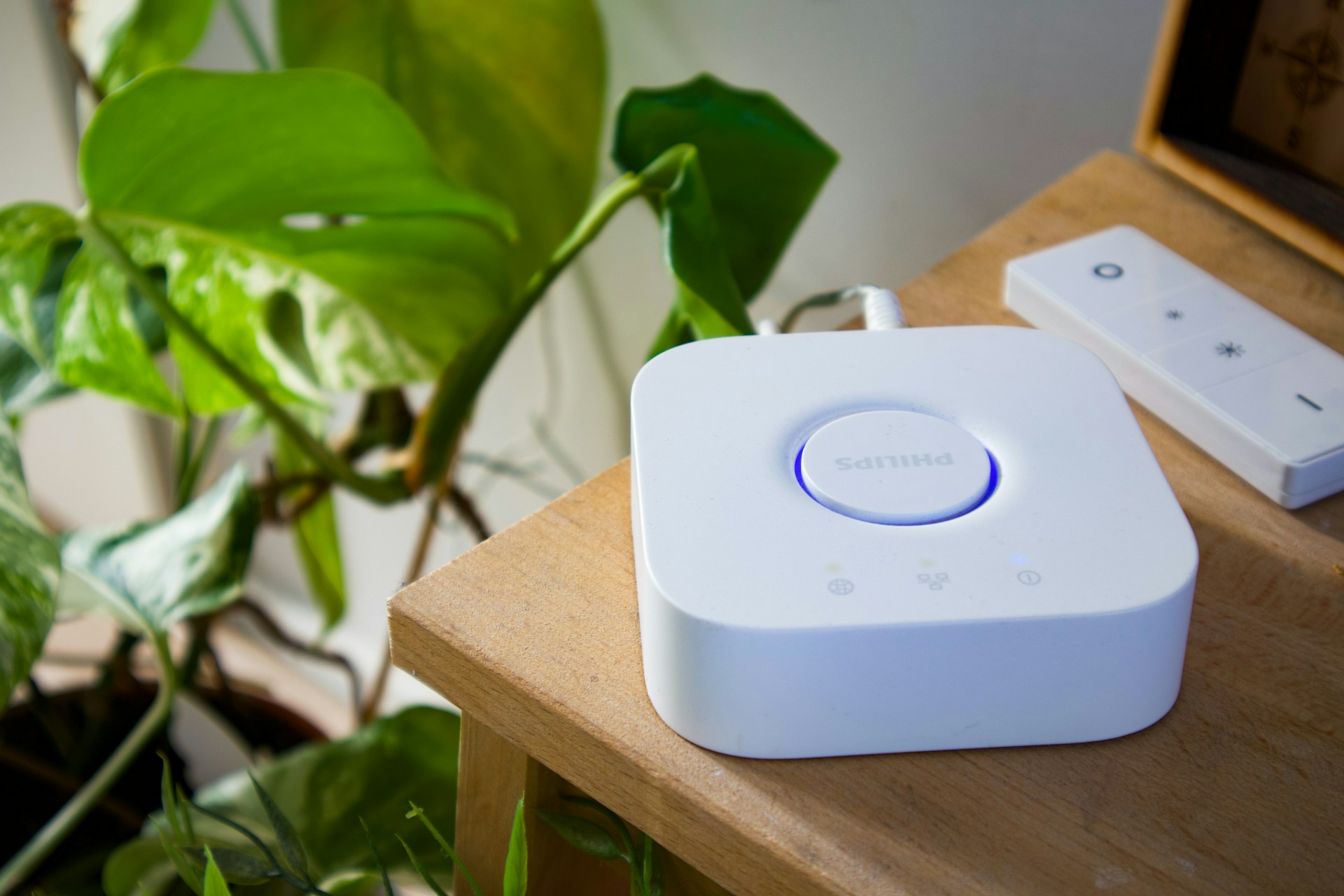
Do You Need a Smart Home Hub? When to Use One and When to Skip It
Find out whether you need a smart home hub in 2026, when Wi-Fi or Matter is enough, and when Zigbee, Z-Wave, Thread, or local automations require extra hardware.