 Smart Home Forge
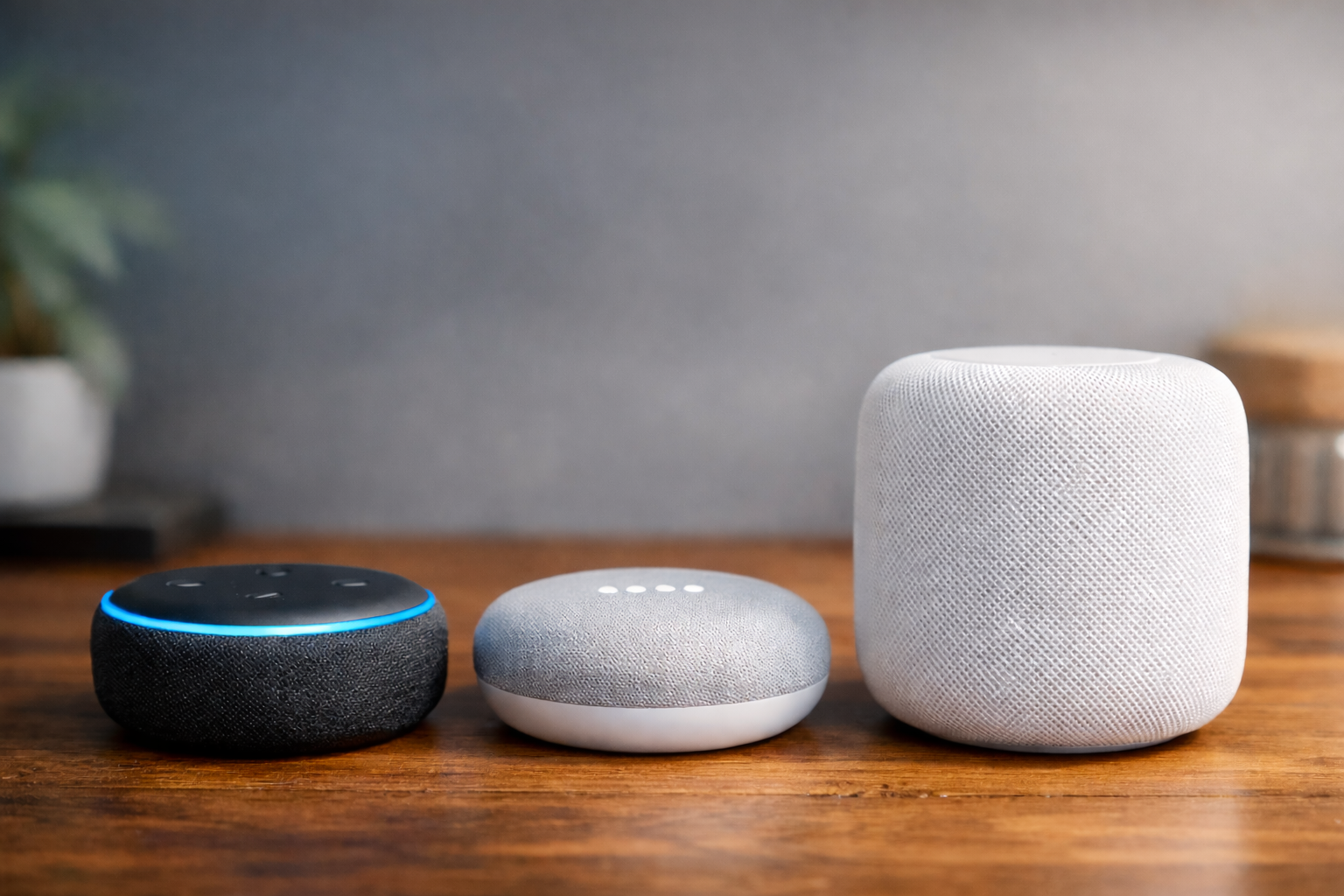
Alexa vs Google Home vs Apple Home: Choosing Your Smart Home Ecosystem
A practical comparison of the three major smart home platforms — what each does best, where they fall short, and how to pick the right one.
Your ecosystem is the software platform that ties your smart home together. It determines your voice assistant, your control app, and which automations are available. The three major options are Amazon Alexa, Google Home, and Apple Home.
Quick Comparison
| Feature | Amazon Alexa | Google Home | Apple Home |
|---|---|---|---|
| Voice assistant | Alexa | Google Assistant | Siri |
| Device selection | Largest | Large | Smaller, curated |
| Automations | Strong (Routines) | Moderate | Strong (Shortcuts + Automations) |
| Privacy | Moderate | Moderate | Strongest |
| Hub required? | No (Echo acts as hub) | No (Nest acts as hub) | HomePod or Apple TV needed |
| Matter support | Yes | Yes | Yes |
| Best for | Widest device choice | Google/Android households | Apple households, privacy-focused |
Amazon Alexa
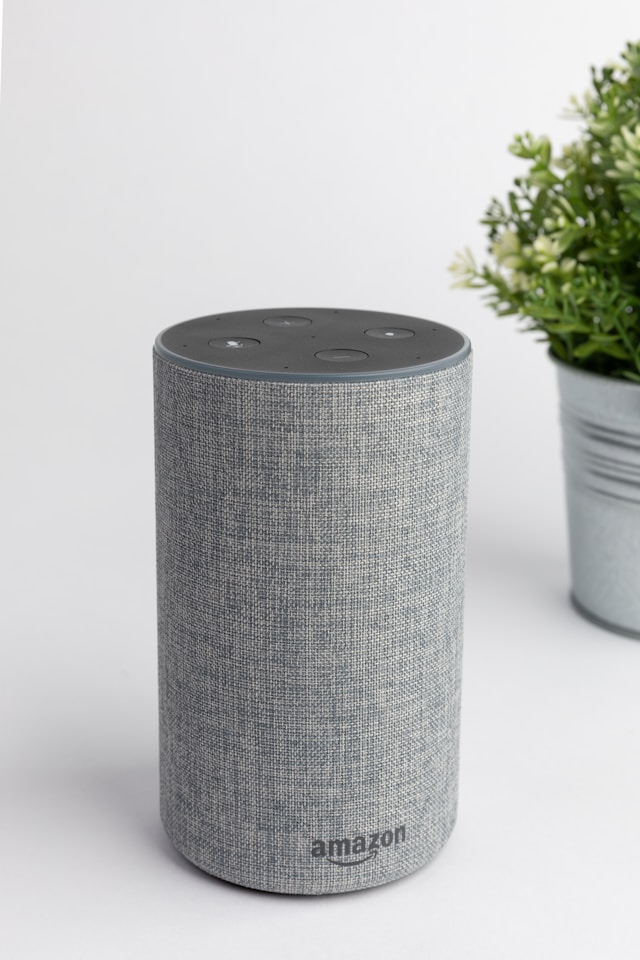
Alexa has the widest device compatibility of any platform. If a smart device exists, it almost certainly works with Alexa. The Routines system is powerful — you can chain multiple actions across devices with conditions like time, location, or sensor triggers.
Best for: Households that want the most device options and don’t mind Amazon’s ecosystem. Works well with both Android and iOS.
Limitations: Alexa’s smart home app has been redesigned multiple times and can feel cluttered. Privacy controls exist but require some digging to configure.
Amazon Echo Dot (5th Gen)
The cheapest way into a smart home. A compact voice controller that doubles as a Zigbee hub — the most popular starting point for a reason.
- Widest device compatibility of any ecosystem
- Built-in Zigbee hub and Thread border router
- Frequently drops to $22 on sale
- Sound quality limited for music
- Privacy settings require some digging to configure
Amazon Echo Show 8
The sweet spot if you want a screen for video calls, recipes, and camera feeds alongside voice control.
- Video calls and camera feeds on screen
- Visual smart home dashboard
- Great for kitchens and bedside tables
- More expensive than speaker-only options
- Screen adds bulk compared to the Dot
Google Home
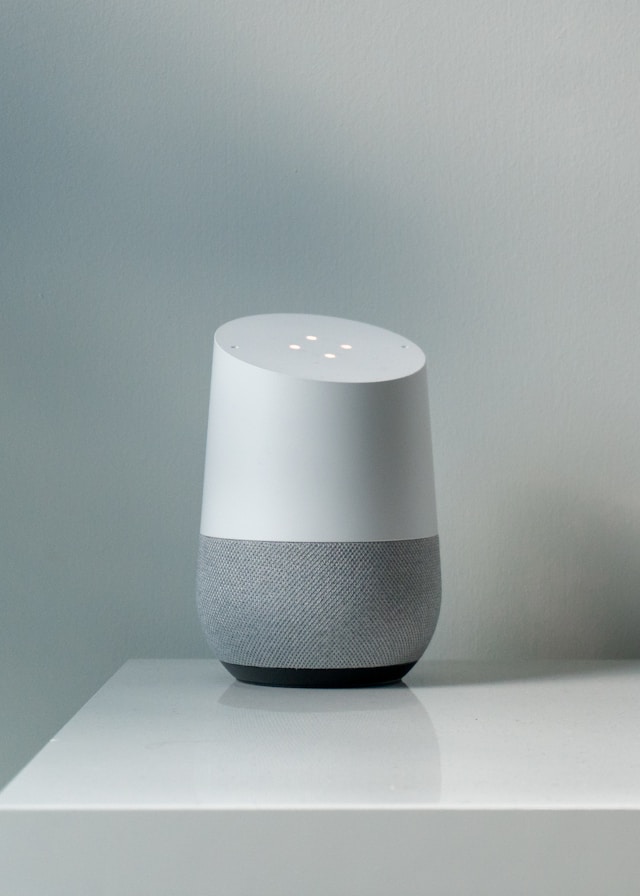
Google Home integrates tightly with Google services — Calendar, Maps, YouTube, Chromecast. Google Assistant is generally the best at answering natural language questions and handling multi-step voice commands.
Best for: Android households and heavy Google users. Good choice if you already have Chromecast or Nest devices.
Limitations: Automation capabilities are improving but still lag behind Alexa Routines and Apple Shortcuts. Fewer third-party device integrations than Alexa.
Google Nest Mini (2nd Gen)
Budget entry point for Google and Android households. Surprisingly decent sound for a compact speaker.
- Tight Google services integration (Calendar, Maps, YouTube)
- Good sound for its size
- Affordable entry point
- Fewer third-party integrations than Alexa
- Automation features lag behind Alexa Routines
Google Nest Hub (2nd Gen)
Adds a display for controlling devices, watching YouTube, and doubling as a bedside clock with sleep tracking.
- 7-inch touch display for smart home control
- Sleep tracking with Sensa radar
- Doubles as a smart bedside clock
- No camera for video calls
- Smaller display than Echo Show 8
Apple Home
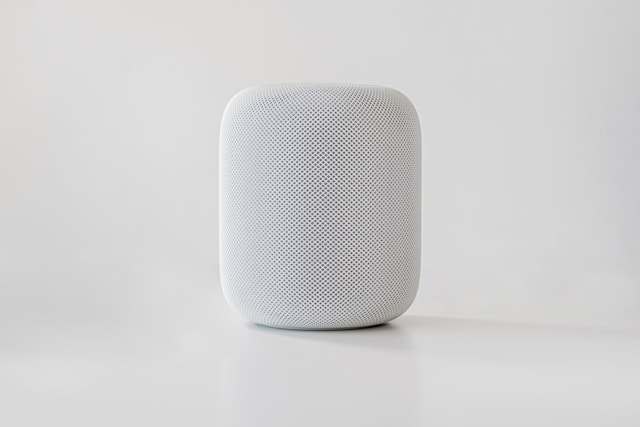
Apple Home prioritizes privacy. HomeKit devices process data locally when possible, and Apple doesn’t monetize your smart home data. The Shortcuts app offers deep automation power for users willing to learn it.
Best for: Households fully invested in Apple (iPhones, iPads, Macs, Apple TV). Privacy-conscious users who want local processing.
Limitations: The smallest device selection of the three. Requires a HomePod or Apple TV as a home hub. Siri is less capable than Alexa or Google Assistant for general questions.
Apple HomePod Mini
The most affordable Apple home hub with Thread border router support. The essential starting point for Apple households.
- Thread border router built in
- Strong privacy — local processing by default
- Seamless integration with iPhone, iPad, and Mac
- Siri less capable than Alexa or Google Assistant
- Smaller device selection than competitors
- Higher price than Echo Dot or Nest Mini
What About Home Assistant?
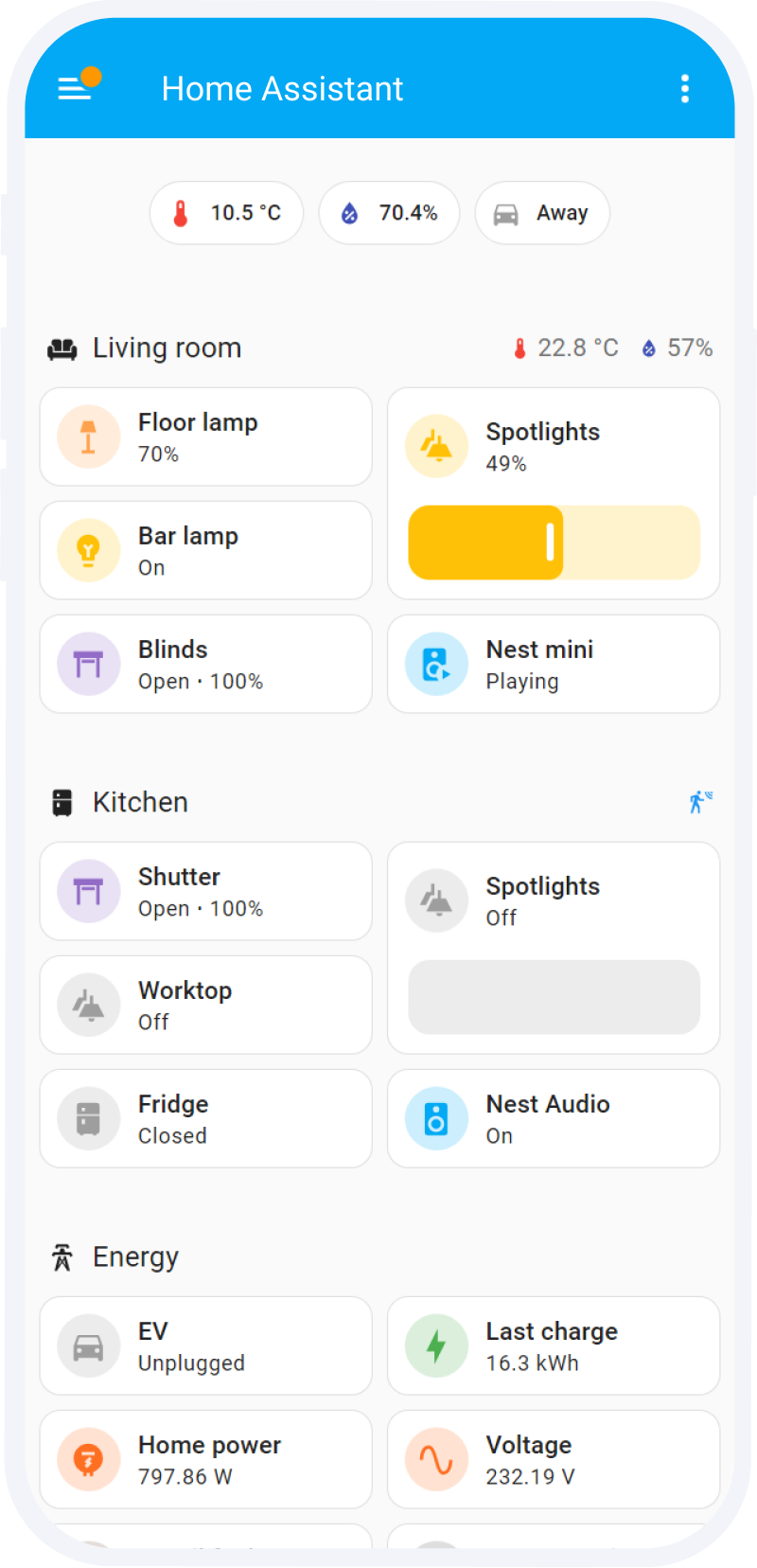
Home Assistant is a free, open-source platform you run on a small computer (Raspberry Pi or Home Assistant Green hub). It supports virtually every device regardless of manufacturer and gives you far more control over automations.
- Pros — Maximum flexibility, local control, no vendor lock-in, huge community
- Cons — Requires technical setup and ongoing maintenance
- Best for — Intermediate and advanced users who outgrow the consumer ecosystems
It’s not the right starting point for most beginners, but it’s worth knowing about as your setup grows.
How to Choose
The practical advice is simple:
- Already have a smart speaker? You’ve already chosen. Build around it.
- iPhone household? Apple Home gives you the tightest integration and best privacy.
- Android household? Google Home or Alexa. Google if you’re deep in Google services, Alexa if you want the widest device selection.
- Mixed household? Alexa tends to be the most flexible across phone platforms.
The stakes of this choice are lower than they used to be. Matter is making many devices work across all three ecosystems, so you’re less locked in than before.
Frequently Asked Questions
Can I use devices from different ecosystems together?
What is Home Assistant?
Does it matter which ecosystem I choose?
Recommended Posts
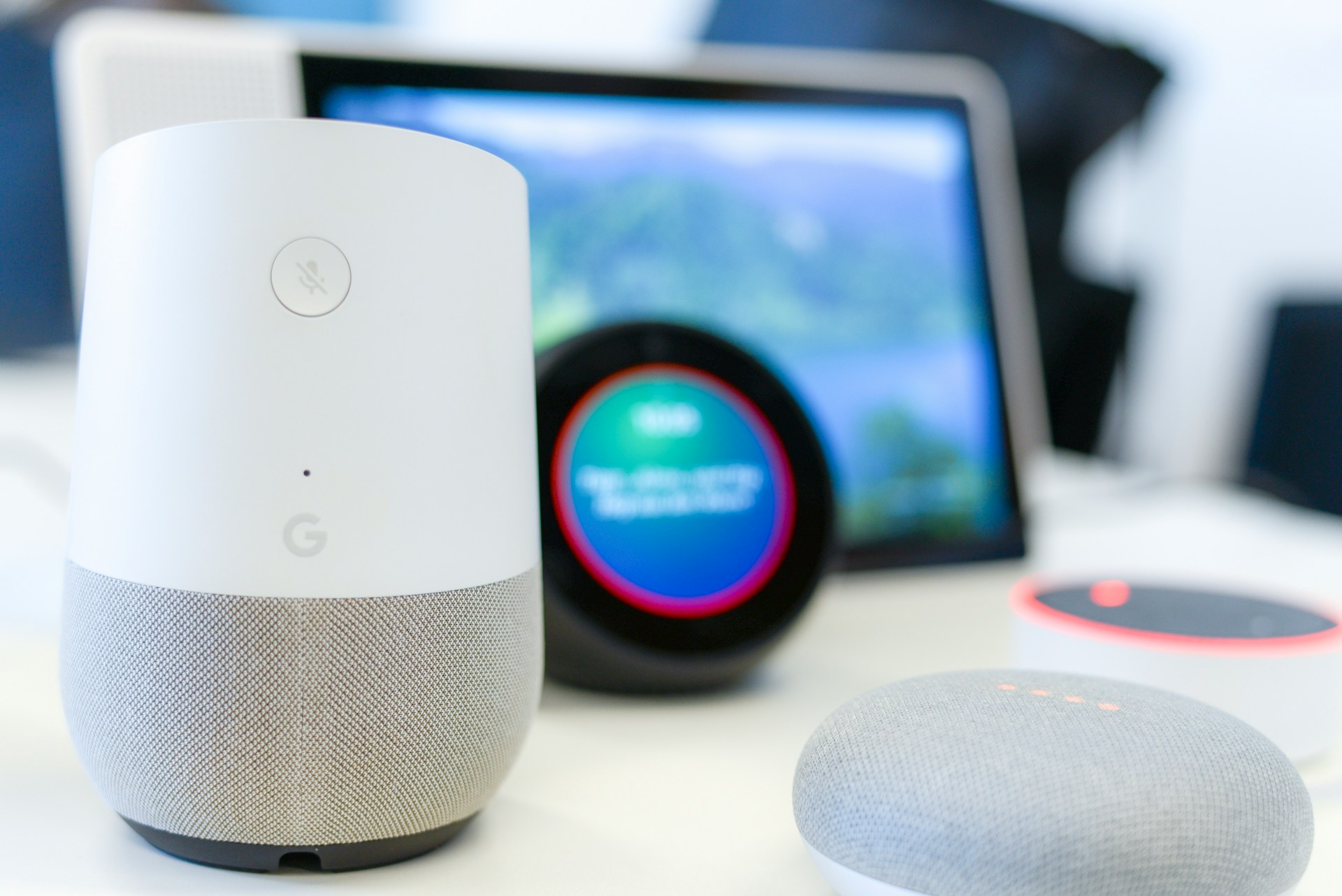
Best Smart Home Devices for Beginners (2026)
Six smart home devices worth buying first — one pick per category, chosen specifically for beginners who want reliability over features.
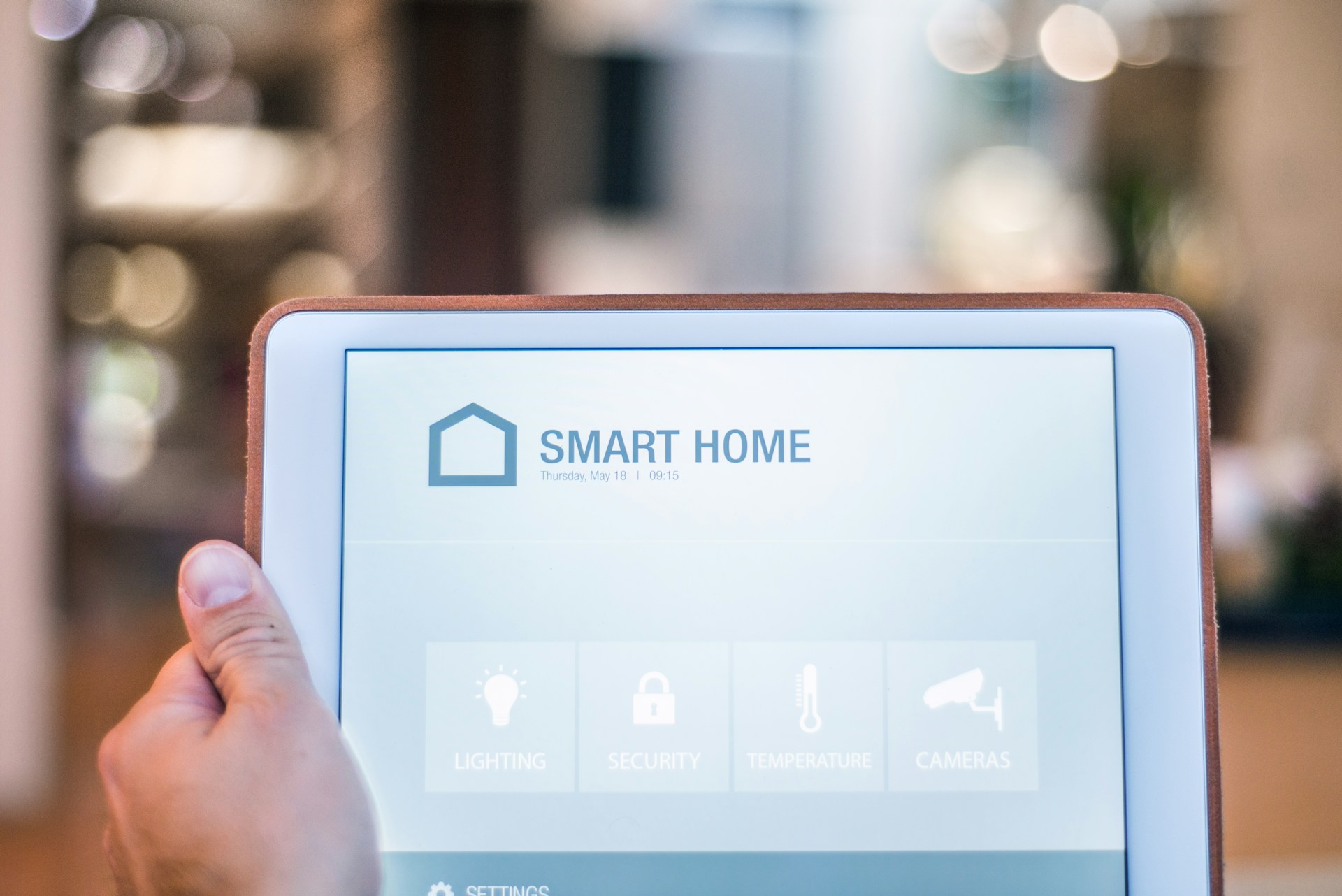
Smart Home Devices Explained: What Each Category Does
A quick overview of every major smart home device category — what it does, who it's for, and what to watch out for before buying.
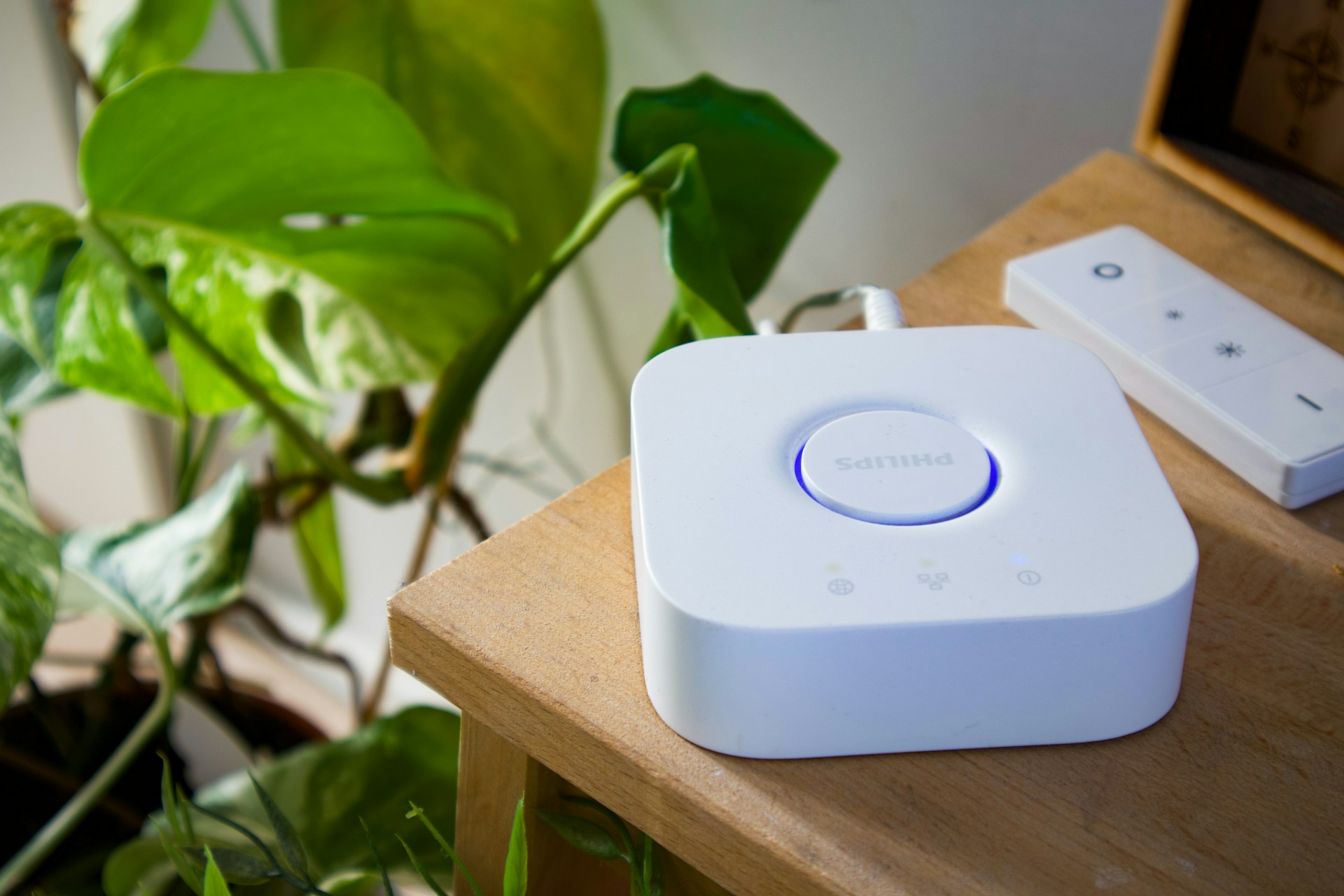
Do You Need a Smart Home Hub? When to Use One and When to Skip It
Find out whether you need a smart home hub in 2026, when Wi-Fi or Matter is enough, and when Zigbee, Z-Wave, Thread, or local automations require extra hardware.