 Smart Home Forge
How to Plan Your Smart Home: A Room-by-Room Strategy Guide
A practical room-by-room approach to planning your smart home — what to prioritize in each space, which devices actually matter, and how to avoid buying things you won't use.
Most smart home advice tells you to pick an ecosystem and buy a starter kit. That’s fine for day one, but it doesn’t help you think about where devices actually go and why.
Planning room by room forces you to think about what you actually need instead of what looks interesting on a product page. Every room has different priorities — security at the front door, comfort in the bedroom, convenience in the kitchen — and not every room needs to be smart at all.
Before You Start: Three Questions
Before picking any devices, answer these:
- What annoys you most at home? That’s your starting room. If you constantly forget to lock the front door, start there. If you hate walking across the house to turn off a light, start with lighting.
- Who lives here? Kids, roommates, elderly family members, and tech-reluctant partners change what works. A touchscreen thermostat is great for a tech-savvy couple. For a household with young children, voice control and physical switches matter more — nobody wants a three-year-old locked out of the lights because they can’t use an app.
- Do you own or rent? Renters should skip hardwired devices like smart switches, wired cameras, and thermostats. Stick to plug-in, screw-in, and adhesive-mount options that leave no trace when you move out.
With those answers in hand, work through the rooms below in whatever order matches your priorities. There’s no universal “right” sequence — start where you’ll feel the difference fastest. If you prefer planning on paper first, a graph paper pad or planning notebook can help you sketch out room layouts and device placements before buying anything.
Entryway and Front Door
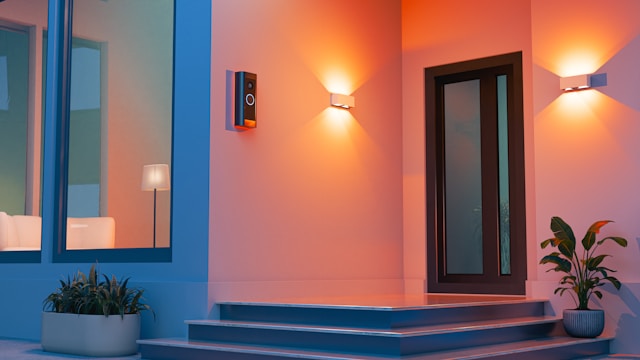 Priority: Security and convenience
The front door is where most people feel the immediate value of a smart home. You check it more than any other spot — did I lock it? Who’s at the door? Did the package arrive?
- Video doorbell — See who’s at the door from anywhere. Battery models need no wiring. Wired models are more reliable and don’t need recharging, but require existing doorbell wiring or a plug-in transformer. Most cloud-based doorbells charge a monthly fee ($3–10) for video history — check what’s free before buying.
- Smart lock — Keyless entry, temporary access codes for guests or cleaners, auto-lock timers, and remote lock/unlock. Retrofit options like August and Level fit over your existing deadbolt without replacing it — ideal for renters. Full-replacement locks like Schlage Encode or Yale Assure offer keypads and more features but require removing your current deadbolt.
- Contact sensor — A small sensor on the door frame that tells you whether the door is open or closed. Cheap ($10–15), battery-powered, and useful for automations like “if front door opens after 11 PM, send an alert” or “if door left open for 5 minutes, notify me.” The Aqara Door and Window Sensor is a reliable, affordable option that works with most ecosystems.
- Outdoor smart light — A motion-activated porch light adds both convenience and a visible security signal. Smart versions let you control brightness, schedule on/off times, and trigger from other sensors.
Skip for now: Full outdoor camera systems. A video doorbell covers the main entry point. Add standalone outdoor cameras later once your core setup is running.
Living Room
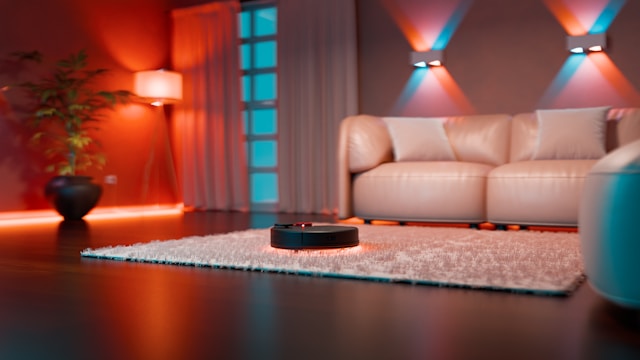 Priority: Lighting, entertainment, and comfort
You spend more waking hours here than almost anywhere else. Lighting control is the most noticeable daily upgrade.
- Smart bulbs or a smart switch — Control overhead lights by voice, schedule, or automation. Dimmable bulbs or a smart dimmer switch let you set the mood without getting up. If your living room has multiple light fixtures on one switch, a smart switch controls them all at once. If you want per-bulb color or brightness control, use smart bulbs. Note: some smart switches require a neutral wire in the junction box — older homes may not have one.
- Smart plug — Put a floor lamp, fan, or space heater on a smart plug to add remote and voice control to any “dumb” device. Plugs with energy monitoring ($15–25) let you track power draw too.
- Smart speaker or display — Your voice control hub. If you haven’t picked one yet, the living room is a natural spot. An Amazon Echo Dot is a compact, affordable starting point for voice control. A smart display (Echo Show, Nest Hub) adds a screen for video calls, recipe display, camera feeds, and photo slideshows.
- Smart TV or streaming stick — Most modern TVs have Alexa, Google, or AirPlay built in. If yours doesn’t, a Fire TV Stick or Chromecast adds voice control and ecosystem integration for $30–50.
- Robot vacuum — If you have a living room with hard floors or low-pile carpet, a robot vacuum on a daily schedule keeps things clean without effort. Models with LiDAR navigation are more efficient and less likely to get stuck than camera-only models.
Skip for now: Smart blinds and curtains. They’re expensive ($100–300+ per window) and only worth it once you have automations that benefit from them, like a “movie mode” that dims lights and closes blinds together.
Kitchen
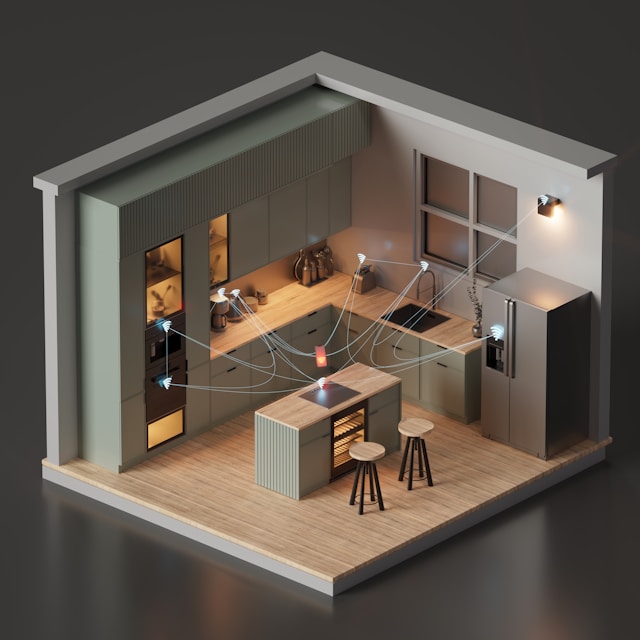 Priority: Convenience, safety, and hands-free control
Your hands are often wet, full, or covered in food. Voice control earns its keep in the kitchen more than anywhere else.
- Smart speaker or display — The kitchen is the highest-value location for a smart display. Use it for hands-free timers, recipe display, video calls while cooking, and controlling other devices. A display with a screen (Echo Show, Nest Hub) works better here than a screenless speaker.
- Smart plug — Control a coffee maker, kettle, or slow cooker remotely. Set a morning automation: coffee maker turns on at 6:30 AM. Simple, effective, and immediately noticeable.
- Water leak sensor — Place one under the sink and near the dishwasher. A $15 sensor that catches a leak early can prevent thousands in water damage. Battery-powered, adhesive-mount, works in any rental.
- Smart smoke/CO detector — Devices like Nest Protect send phone alerts in addition to the alarm, tell you which room detected the issue, and distinguish between smoke and carbon monoxide. Useful if you want alerts when you’re away from home.
Skip for now: Smart refrigerators and smart ovens. They’re expensive, rarely integrate well with other devices, and the smart features typically add marginal value over a regular appliance with a good timer.
Bedroom
 Priority: Comfort, sleep quality, and minimal friction
The bedroom is about winding down and waking up. Automations here should remove small annoyances — not add complexity.
- Smart bulbs with dimming and warm tone — Schedule lights to dim gradually in the evening and shift to warm tones. Bright, blue-white light before bed disrupts sleep. Many smart bulbs support “warm dim” modes that mimic incandescent behavior. This is one of the most underrated quality-of-life upgrades.
- Smart plug on a bedside lamp — Turn off the lamp by voice without reaching over. Pair it with a morning automation to turn on gently at your wake-up time.
- Smart speaker (small) — A bedside speaker like Echo Dot or Nest Mini handles alarms, sleep sounds, and voice-controlled lights. Keep it small — you don’t need a display glowing at you while you sleep.
- Temperature and humidity sensor — If your bedroom runs too hot or cold, a sensor can trigger automations like turning on a fan, adjusting the thermostat, or sending an alert. Especially useful in multi-story homes where upstairs rooms run warmer.
Skip for now: Sleep tracking devices that require under-mattress sensors or specialized hardware. A smartwatch or phone handles sleep tracking well enough for most people.
Bathroom
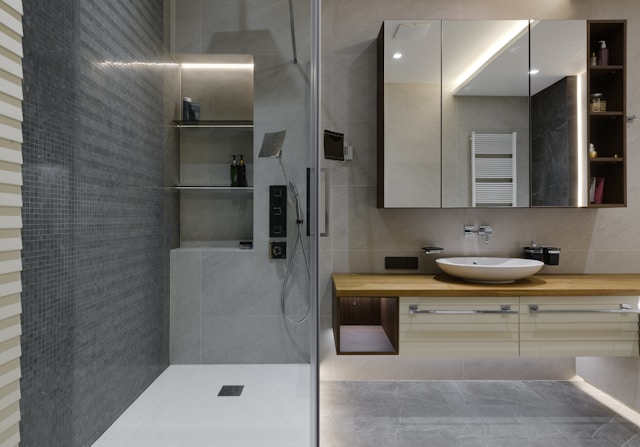 Priority: Minimal — safety and comfort only
Bathrooms generally don’t need much smart tech. Moisture, limited outlet space, and short visits make this a low-priority room.
- Motion-activated smart light — A smart bulb with a motion sensor or a motion-triggered automation so the light turns on when you walk in at night. Set it to a dim, warm tone during nighttime hours so it doesn’t blast you awake at 2 AM.
- Water leak sensor — Under the toilet and near the tub/shower. Same rationale as the kitchen — cheap insurance against expensive water damage.
- Smart exhaust fan (homeowners only) — A humidity sensor that triggers the exhaust fan automatically prevents mold buildup. This is a wired upgrade, so it’s not for renters.
Skip: Smart mirrors, smart showerheads, and smart scales with ecosystem integration. These are novelty items with limited practical value for most people.
Home Office
 Priority: Focus, lighting, and energy management
If you work from home, your office setup affects your productivity and energy bills directly.
- Smart lighting with tunable white — Bright, cool-white light during work hours, shifting to warm tones in the evening. Some bulbs support “circadian rhythm” schedules that adjust automatically throughout the day. This is a meaningful upgrade if you spend 8+ hours in this room.
- Smart plug with energy monitoring — Track how much your monitor, computer, and peripherals draw. Use a schedule to cut phantom power after work hours — a power strip on a smart plug can shut down everything at once.
- Smart speaker — Quick timers, reminders, and music without reaching for your phone. Useful during focused work blocks.
- Temperature sensor — If your office is in a room that runs hotter or colder than the rest of the house, a sensor can trigger fan or thermostat automations specific to that room.
Skip for now: Smart desks with built-in height-adjustment automation. Interesting, but expensive and not a smart home device — it’s furniture.
Garage and Utility Areas
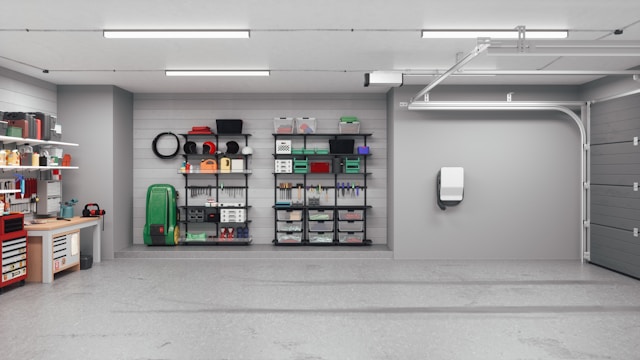 Priority: Monitoring and safety
These spaces benefit from simple sensors more than elaborate automation.
- Smart garage door controller — Devices like the Meross or myQ controller let you open, close, and check your garage door from anywhere. Get alerts if it’s left open. Simple install, high peace of mind.
- Water leak sensor — Near the water heater, washing machine, and any exposed plumbing. This is one of the highest-ROI smart home devices — a $15 sensor preventing a $5,000 flood repair.
- Smart plug on a chest freezer or spare refrigerator — A plug with energy monitoring lets you verify the freezer is running. Some plugs can alert you if power draw drops to zero (meaning the unit stopped).
- Contact sensor on a side door — If your garage has an entry door, a contact sensor adds a layer of security awareness without a full camera setup.
Putting It All Together
Once you’ve mapped out what each room needs, prioritize by impact:
- Start with one or two rooms — Don’t buy devices for every room at once. Pick the rooms where you’ll feel the biggest daily difference.
- Get core devices working first — Smart speaker, a few bulbs or switches, and one or two sensors. Live with them for a few weeks before expanding.
- Build automations that connect rooms — The real power comes when rooms work together. A “goodnight” routine that locks the front door, turns off all lights, sets the thermostat, and arms sensors across the house is where planning pays off.
- Revisit your plan quarterly — After a few months, you’ll know which devices you actually use and which are gathering dust. Let that guide your next purchases.
The goal isn’t to automate every square foot. It’s to make the rooms you use most work a little better — reliably enough that you stop thinking about the technology and just enjoy the result.
Frequently Asked Questions
Which room should I make smart first?
Do I need to automate every room?
How many smart devices does a typical home need?
Should I buy everything from one brand?
Recommended Posts
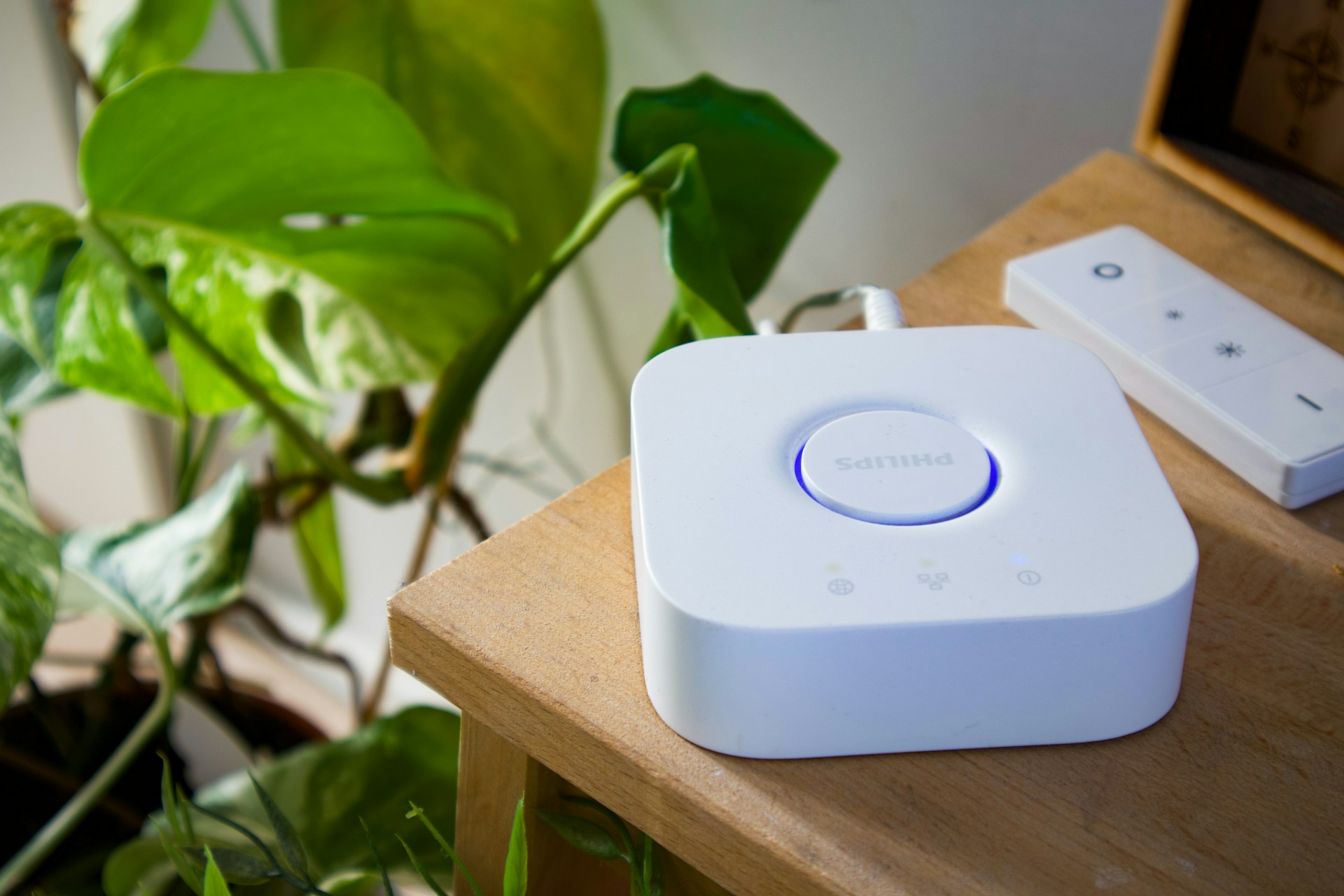
Do You Need a Smart Home Hub? When to Use One and When to Skip It
Find out whether you need a smart home hub in 2026, when Wi-Fi or Matter is enough, and when Zigbee, Z-Wave, Thread, or local automations require extra hardware.
Smart Home for Renters: Best Devices That Don't Require Wiring or Drilling
Build a smart home in a rental — which devices need no permanent changes, how to handle lease restrictions, and what to take when you move.

Smart Home on a Budget: Complete Setups for Under $100, $250, and $500
Three practical smart home setups at three price points — each one a complete, functional system that solves real problems, not a random list of cheap gadgets.