 Smart Home Forge
What Is a Smart Home? The Basics Explained
A plain-English explanation of what a smart home is, how it works, and what you can actually do with one — no jargon or hype.
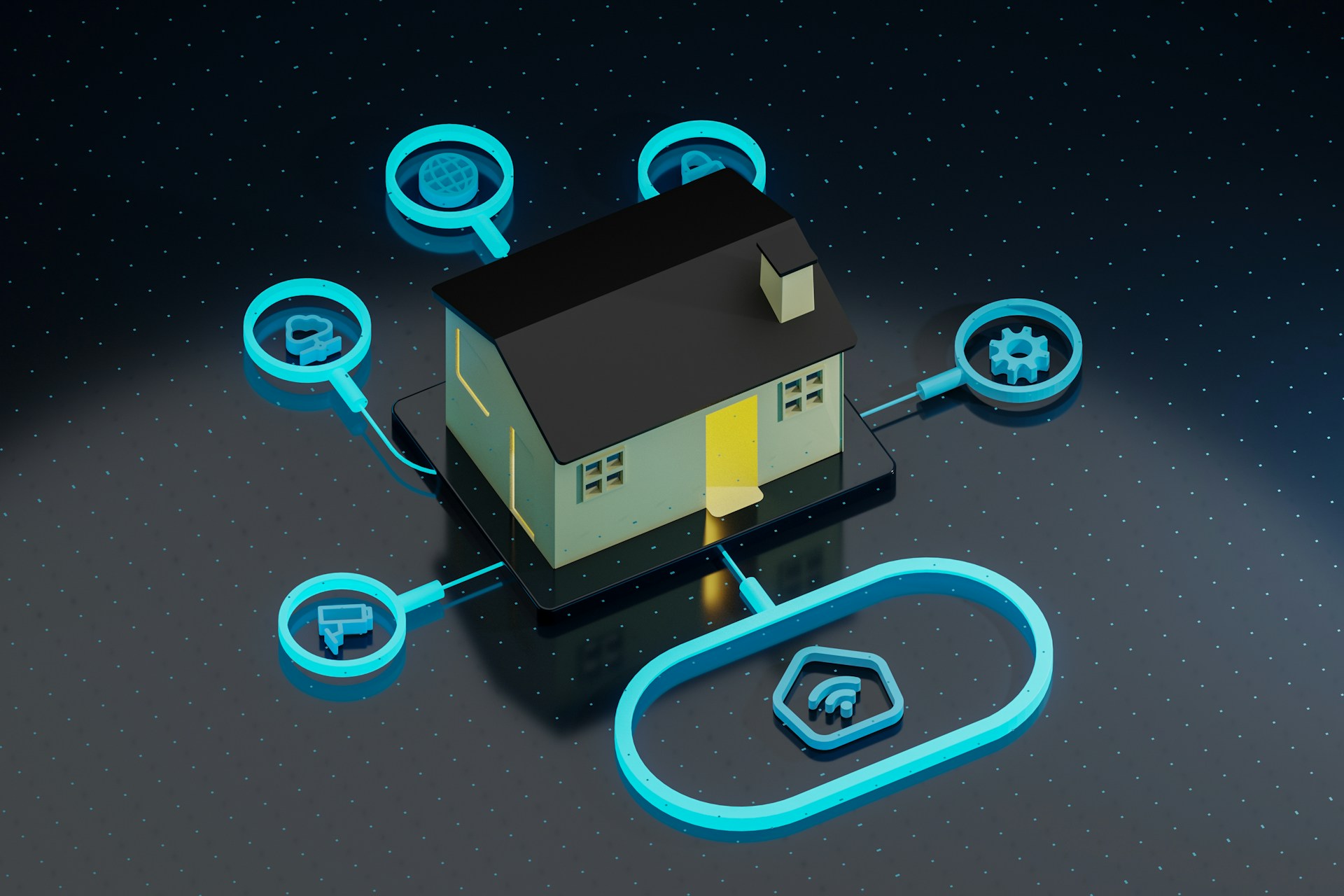
A smart home is a house or apartment where everyday devices — lights, locks, thermostats, cameras, speakers — connect to the internet or a local network so you can control them remotely, automate them on schedules, or trigger them based on conditions like time of day, motion, or your location.
That’s it. No science fiction. No whole-house rewiring. At its simplest, a smart home is one light bulb you can turn off from bed using your phone.
How Does a Smart Home Work?
Every smart home has three layers:
- Devices — The physical products: a smart bulb, a thermostat, a door lock, a camera. Each has a wireless chip (Wi-Fi, Zigbee, Bluetooth, or Thread) that lets it receive commands and report its status.
- A controller — How you give commands. This could be a voice assistant (Alexa, Google Assistant, Siri), a smartphone app, or a centralized hub like Home Assistant.
- A network — How everything communicates. Your home Wi-Fi is the backbone for most devices, though some use other protocols that require a hub.
When you say “turn off the living room lights,” your voice assistant sends the command to the bulb, and it switches off. When you set an automation — “turn on the porch light at sunset” — the controller handles it without you doing anything.
What Can You Do with a Smart Home?
Convenience and Comfort
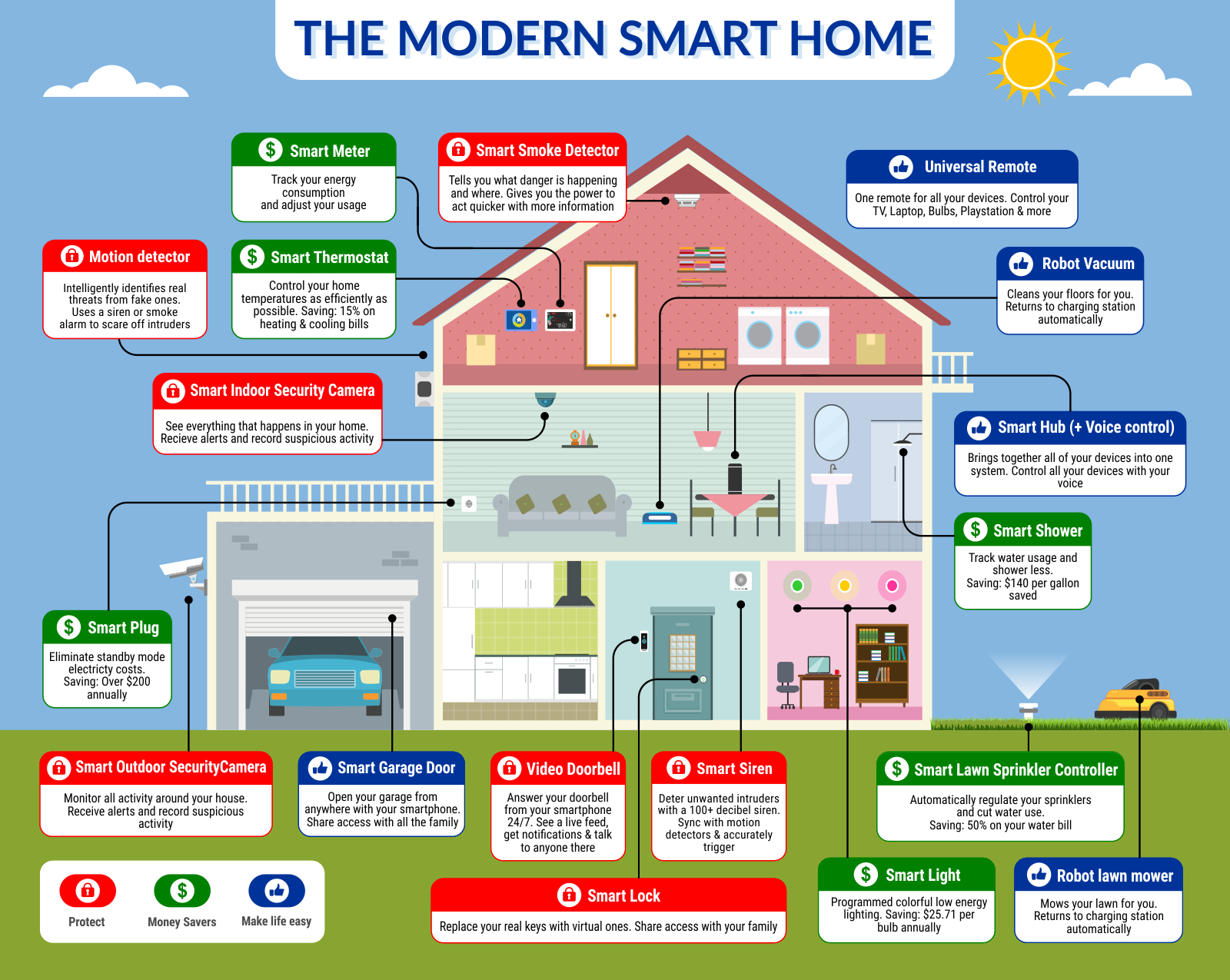
- Turn lights on and off by voice or from your phone
- Dim lights automatically in the evening
- Adjust your thermostat from work
- Start your robot vacuum while you’re out
- Unlock the front door remotely for a family member
Home Security
- Get notifications when someone approaches your door
- View live camera feeds from anywhere
- Receive alerts from door/window sensors when you’re away
- Simulate occupancy with automated lights while traveling
- Lock all doors with a single voice command
Energy Savings
- Program your thermostat to lower heating when no one is home
- Monitor electricity usage with smart plugs
- Get alerts when devices are left on
- Automate lights to turn off in empty rooms using motion sensors
Accessibility
- Voice-control lights, locks, and appliances for limited mobility
- Automate daily routines like medication reminders
- Reduce reliance on hard-to-reach switches
The point isn’t to automate everything for the sake of it. The best smart home setups solve specific annoyances — and they do so reliably enough that you stop thinking about them.
Frequently Asked Questions
What is a smart home in simple terms?
Do I need to rewire my house to make it smart?
How much does it cost to start a smart home?
Recommended Posts
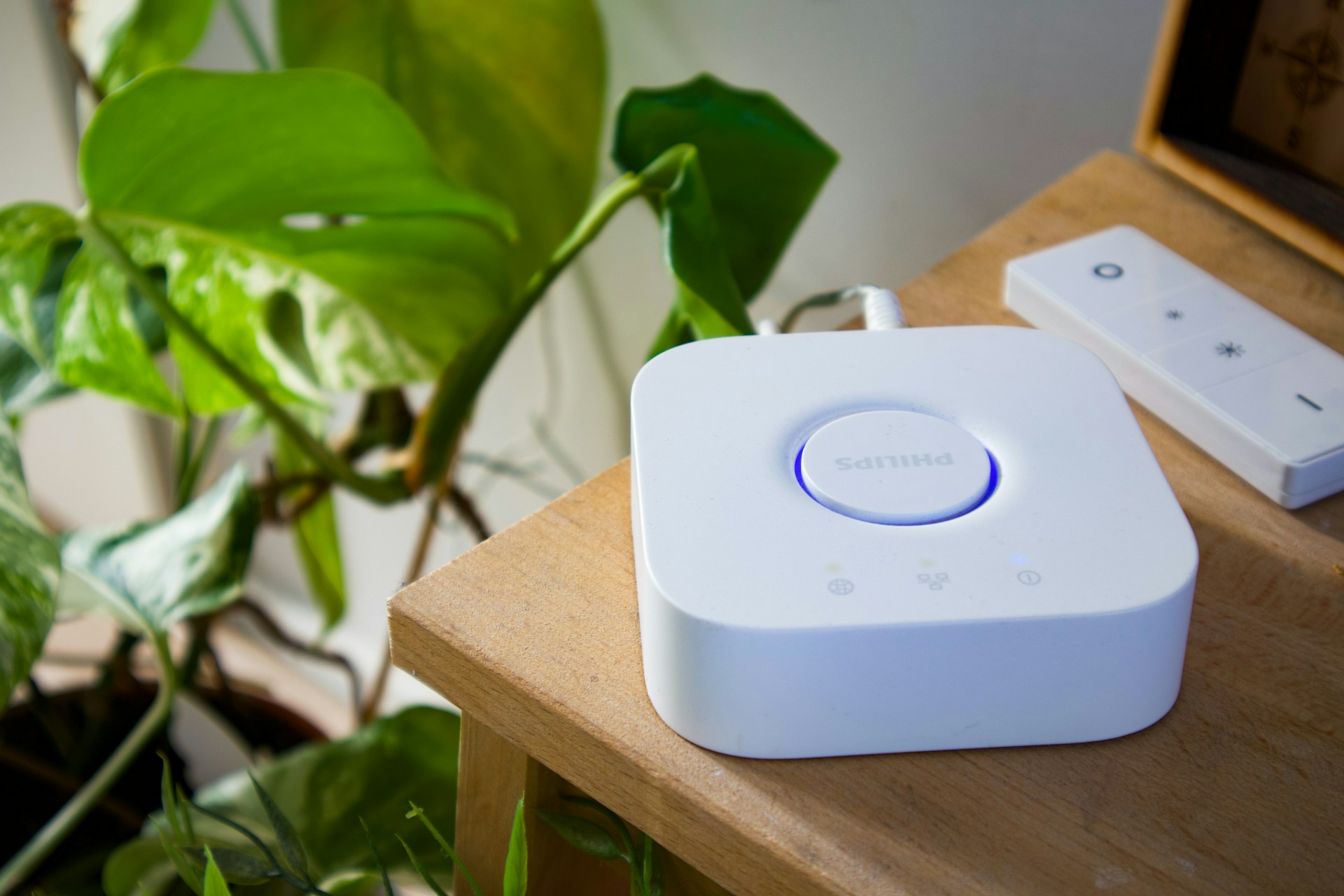
Do You Need a Smart Home Hub? When to Use One and When to Skip It
Find out whether you need a smart home hub in 2026, when Wi-Fi or Matter is enough, and when Zigbee, Z-Wave, Thread, or local automations require extra hardware.
Smart Home for Renters: Best Devices That Don't Require Wiring or Drilling
Build a smart home in a rental — which devices need no permanent changes, how to handle lease restrictions, and what to take when you move.
How to Plan Your Smart Home: A Room-by-Room Strategy Guide
A practical room-by-room approach to planning your smart home — what to prioritize in each space, which devices actually matter, and how to avoid buying things you won't use.