 Smart Home Forge

How to Start Your Smart Home Without Wasting Money
A step-by-step plan for building your first smart home setup — plus the most common beginner mistakes, privacy basics, and tips for renters.
The biggest mistake beginners make is buying too much too fast. Start small, solve one real problem, and expand based on what actually helps. Here’s how.
Step 1: Pick One Problem to Solve
Don’t try to automate your entire home at once. Start with the specific thing that annoys you most:
- Hate getting out of bed to turn off the hallway light? Start with a smart bulb.
- Worry about whether you locked the door? Start with a smart lock.
- Want to save on heating? Start with a smart thermostat.
Step 2: Choose Your Ecosystem
If you already own a smart speaker, you’ve already chosen. If not, pick one based on the phones your household uses:
- iPhone household — Apple Home
- Android household — Google Home or Alexa
- Mixed household — Alexa (most flexible across platforms)
This doesn’t have to be permanent — Matter is loosening ecosystem lock-in — but it determines your app and voice assistant for now.
Step 3: Start with Two or Three Devices
A practical starter kit:
- Smart speaker (Echo Dot, Nest Mini, or HomePod Mini) — $30–$100
- Smart bulbs like the TP-Link Tapo L530E or one smart switch — $10–$50
- Smart plug like the TP-Link Kasa KP125M — $10–$25
Total: roughly $50–$175. Enough to experience voice control, scheduling, and remote access before committing further.
Step 4: Set Up One Automation
Once your devices are connected, create one automation that solves a real problem:
- Turn off all lights at 11 PM
- Turn on the porch light at sunset, off at sunrise
- “Good morning” triggers kitchen light and weather briefing
Automations are where smart homes go from gimmick to genuinely useful.
Step 5: Expand Based on What Helped
After a few weeks, you’ll know what worked. If voice-controlled lights changed your routine, add more lighting. If the smart plug was useful for tracking power, consider a thermostat next. Let real usage guide your spending.
Common Mistakes to Avoid
- Too many brands, no compatibility check — A Philips Hue bulb, Wyze camera, Ring doorbell, and August lock may not cooperate in automations. Pick a lane early or prioritize Matter devices.
- Overloading Wi-Fi — 30 Wi-Fi smart devices on a basic router will cause slowdowns. Consider a mesh router, or use Zigbee/Thread devices that don’t touch your Wi-Fi.
- Ignoring subscriptions — That $60 doorbell may need a $4–10/month cloud plan for video history. Always check what’s free vs. paid.
- Cloud-only devices — If a device only works through the manufacturer’s server, it dies when the internet goes down or the company shuts down. Look for local control options, especially for locks and lights.
- Skipping network basics — Smart devices are only as reliable as your Wi-Fi. Fix dead zones and update your router before adding devices.
Privacy and Security Basics
- Voice assistants record when activated. You can review and delete recordings in each platform’s privacy settings.
- Cameras are the biggest privacy decision. Know whether footage is stored locally or in the cloud, who can access it, and whether law enforcement can request it. Eufy and Reolink offer local storage options.
- Keep firmware updated. Enable automatic updates or check regularly.
- Use strong, unique passwords. Enable two-factor authentication for locks, cameras, and alarms.
- Segment your network. Many routers let you create a separate network for smart devices, isolating them from your computers and phones.
Renters: Yes, You Can Have a Smart Home
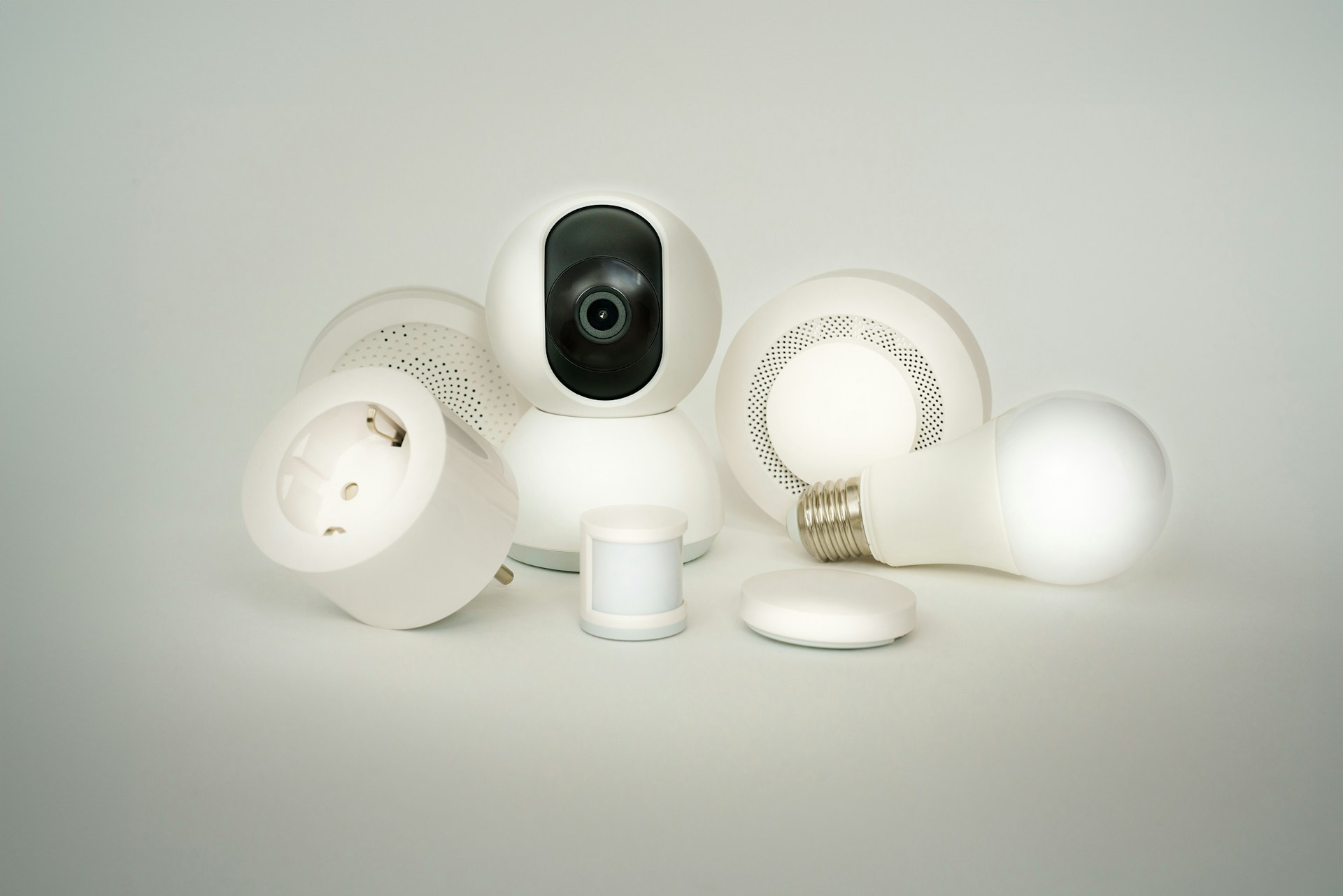 Many smart home devices require zero permanent changes:
- Smart bulbs — Screw in, swap back when you move
- Smart plugs — Plug in, no install
- Battery cameras and sensors — Adhesive mount, removable
- Retrofit smart locks (like August) — Attach to existing deadbolt, remove in minutes
- Battery video doorbells — No wiring or doorframe modifications
The devices that need permanent changes — smart switches, hardwired cameras, smart thermostats — can usually wait until you own a home.
Frequently Asked Questions
What do I need to start a smart home?
Can renters set up a smart home?
Is a smart home secure?
Recommended Posts
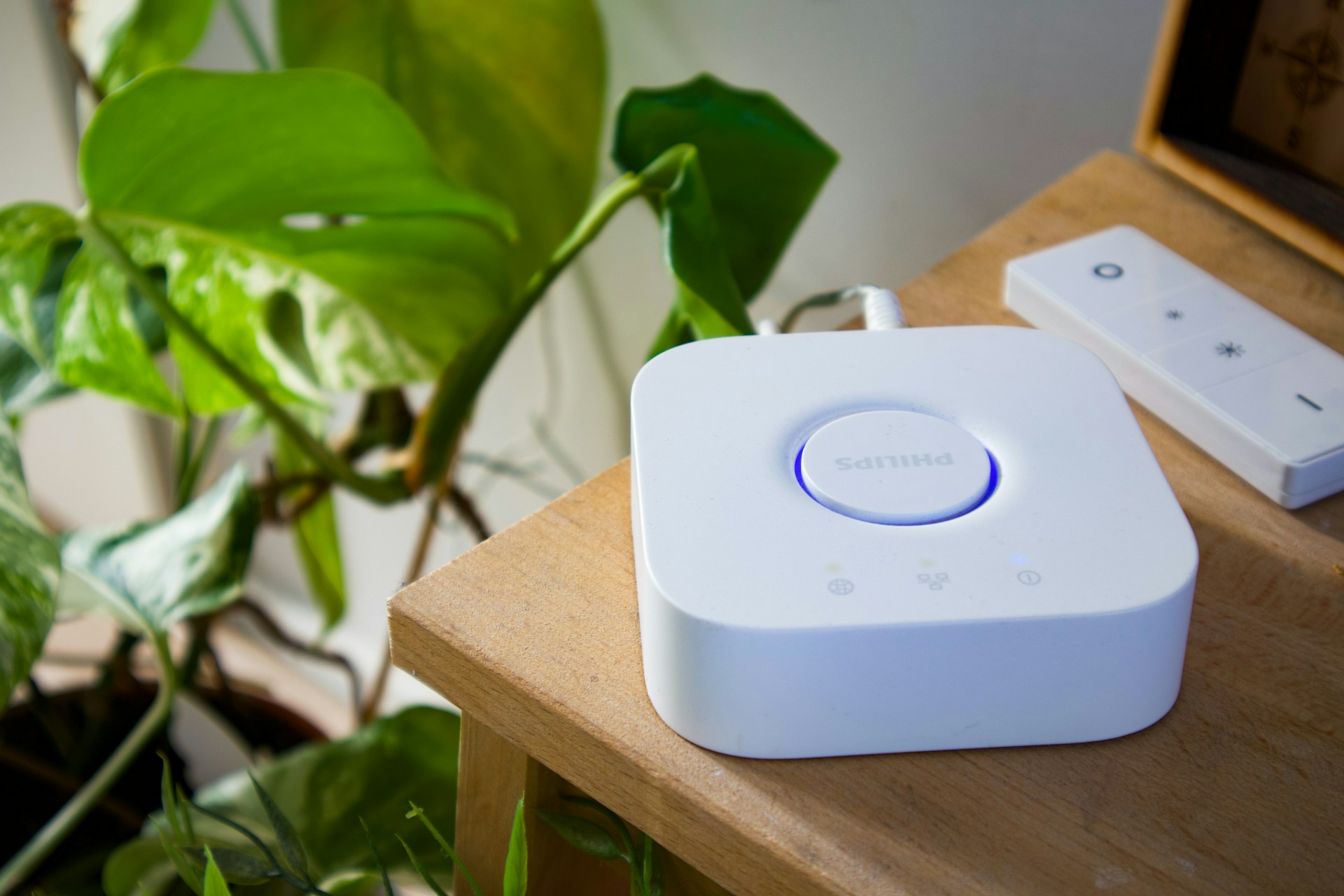
Do You Need a Smart Home Hub? When to Use One and When to Skip It
Find out whether you need a smart home hub in 2026, when Wi-Fi or Matter is enough, and when Zigbee, Z-Wave, Thread, or local automations require extra hardware.
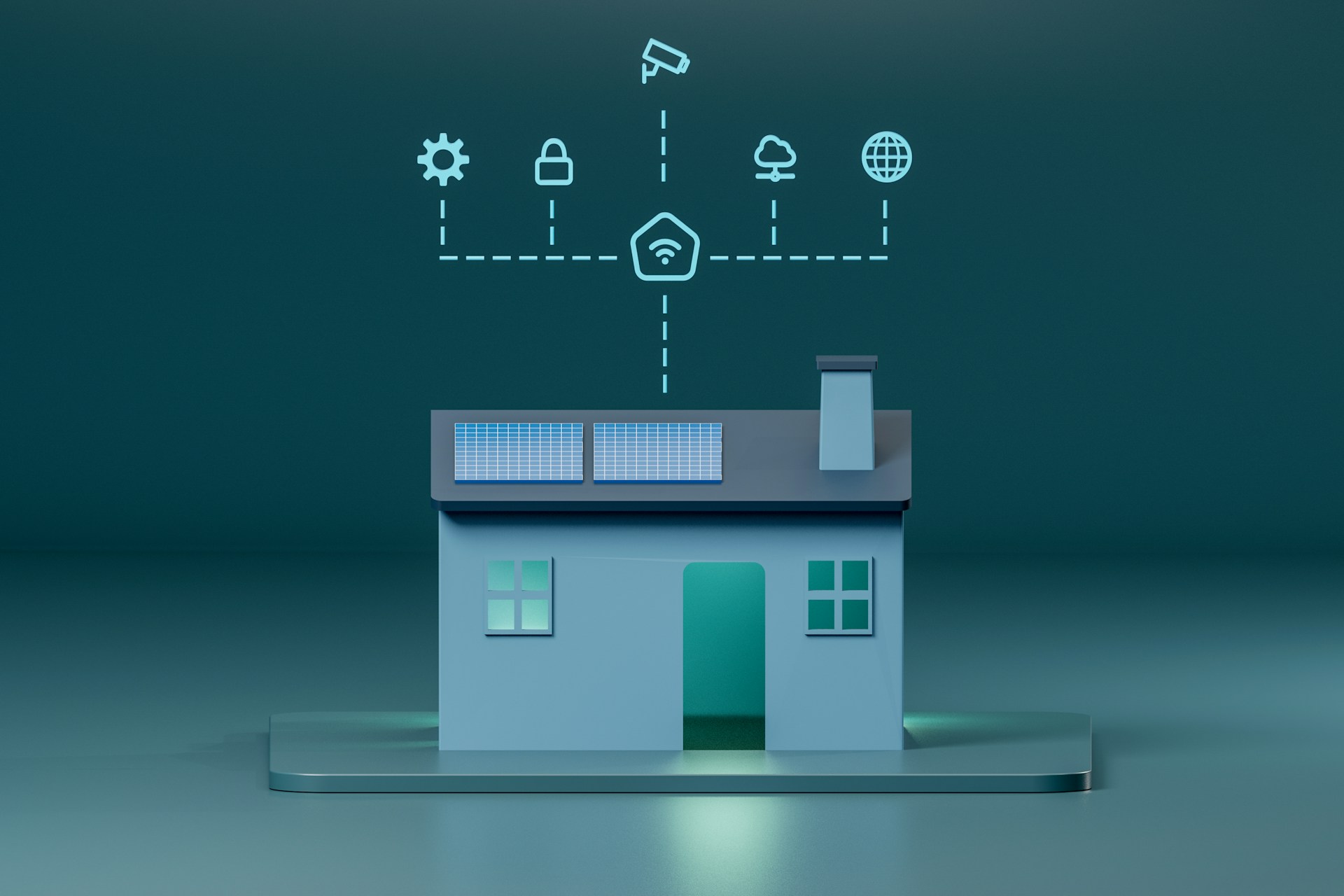
Matter Explained: What It Is, Why It Matters, and Which Devices Support It
What Matter actually changes for smart home buyers — device compatibility, current support, setup experience, and honest limitations.
Smart Home for Renters: Best Devices That Don't Require Wiring or Drilling
Build a smart home in a rental — which devices need no permanent changes, how to handle lease restrictions, and what to take when you move.