 Smart Home Forge

Smart Home Protocols: Wi-Fi, Zigbee, Z-Wave, Thread, and Matter Explained
A beginner-friendly breakdown of how smart home devices communicate — what each protocol does, when you need a hub, and why Matter changes everything.
Protocols are how your smart devices communicate wirelessly. This is the part that confuses most beginners, but the practical impact is straightforward: your protocol determines whether you need a hub, how many devices your network can handle, and how well they work together.
Quick Comparison
| Protocol | Hub required? | Mesh networking | Power usage | Best for |
|---|---|---|---|---|
| Wi-Fi | No | No | High | Plugs, cameras, speakers |
| Zigbee | Yes | Yes | Low | Lights, sensors, large setups |
| Z-Wave | Yes | Yes | Low | Locks, sensors, automation hubs |
| Thread | Border router | Yes | Low | New setups, Matter devices |
| Matter | Depends on transport | Depends | Depends | Cross-ecosystem compatibility |
Wi-Fi
Devices connect directly to your home router. No hub needed, easy setup, works with any ecosystem.
- Pros — Simple, no extra hardware, universal compatibility
- Cons — Each device uses a Wi-Fi connection. 20+ devices can strain a basic router. Higher power draw makes it poor for battery sensors.
- Best for — Smart plugs, cameras, speakers — things plugged into power that don’t number in the dozens
Zigbee
A low-power mesh protocol where devices relay signals through each other. Requires a hub like a Philips Hue Bridge or an Amazon Echo with built-in Zigbee.
- Pros — Low power, mesh networking improves range, doesn’t clog Wi-Fi, supports hundreds of devices
- Cons — Requires a hub. Cross-brand compatibility can be inconsistent without a universal hub like Home Assistant.
- Best for — Lighting systems (Philips Hue, IKEA DIRIGERA), sensors, large device counts
Z-Wave
Similar to Zigbee — low-power mesh — but operates on a different frequency (900 MHz in North America vs. Zigbee’s 2.4 GHz).
- Pros — Less wireless interference, strong mesh, well-established in home security
- Cons — Requires a hub. Devices are generally more expensive. Fewer consumer options.
- Best for — Automation enthusiasts using SmartThings or Home Assistant. Reliable for locks, sensors, and thermostats.
Thread
A newer mesh protocol designed specifically for smart homes. Devices form a self-healing mesh without a traditional hub — they just need a Thread border router, which is built into many newer devices:
- Apple TV 4K and HomePod mini
- Some Google Nest and Amazon Echo devices
Thread offers low power, fast response, mesh networking, and no single point of failure. It’s designed to work with Matter. The device selection is growing but still smaller than Wi-Fi or Zigbee.
Best for: New setups, especially if you’re buying Matter-compatible devices.
Matter
Matter is not a wireless protocol. It’s a connectivity standard that runs on top of Wi-Fi, Thread, and Ethernet. Its purpose is interoperability — a Matter-certified device should work with Alexa, Google Home, and Apple Home without a brand-specific app.
Before Matter, buying a smart bulb meant checking whether it worked with your specific ecosystem. Matter eliminates that friction. In practice, rollout has been gradual, and some features still work better in one ecosystem than another. But the direction is clear.
Practical advice: If you’re buying new devices in 2026, prioritize Matter-compatible products when available. They give you flexibility to switch ecosystems later without replacing hardware.
Frequently Asked Questions
What's the difference between Matter and Thread?
Do I need a hub for my smart home?
Which protocol should I choose?
Recommended Posts
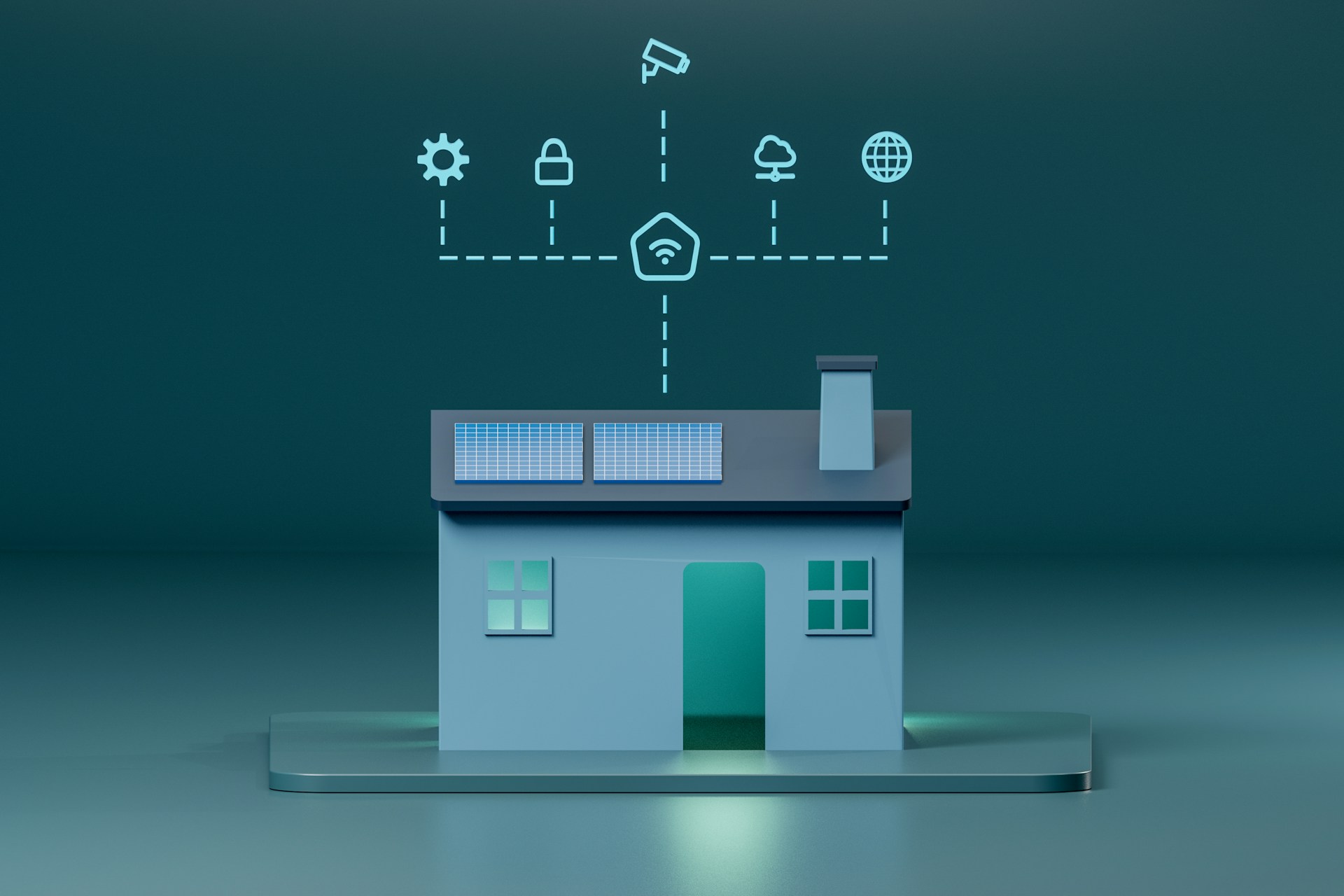
Matter Explained: What It Is, Why It Matters, and Which Devices Support It
What Matter actually changes for smart home buyers — device compatibility, current support, setup experience, and honest limitations.
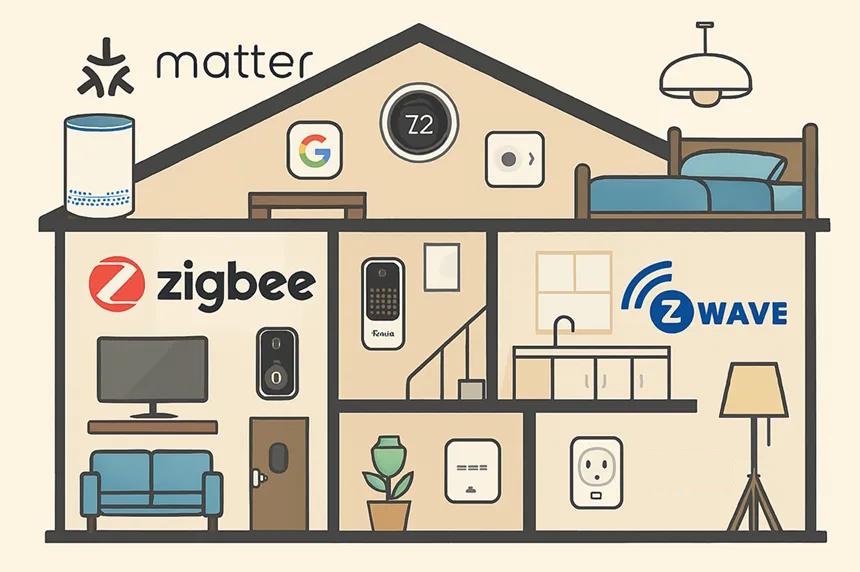
Matter vs Zigbee vs Z-Wave vs Wi-Fi vs Thread: Smart Home Protocols Compared
A detailed comparison of Zigbee, Z-Wave, Wi-Fi, and Thread — covering range, battery life, hub needs, and ecosystem fit to help you pick the right protocol.
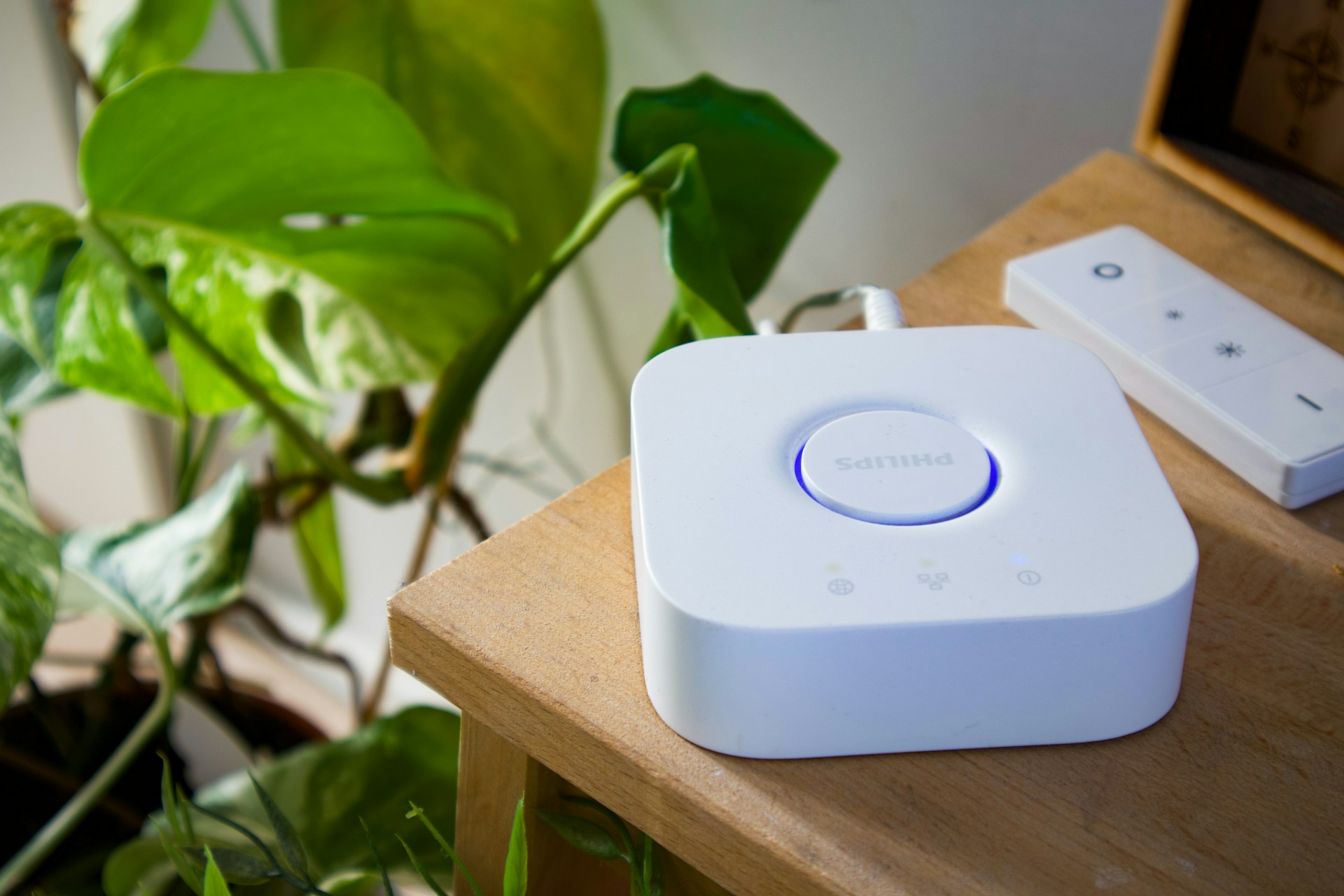
Do You Need a Smart Home Hub? When to Use One and When to Skip It
Find out whether you need a smart home hub in 2026, when Wi-Fi or Matter is enough, and when Zigbee, Z-Wave, Thread, or local automations require extra hardware.